Practice management software for bookkeepers
Run high-volume, recurring work across dozens of clients without dropping a month. Repeatable workflows, clear ownership and effortless billing keep every cycle on track.
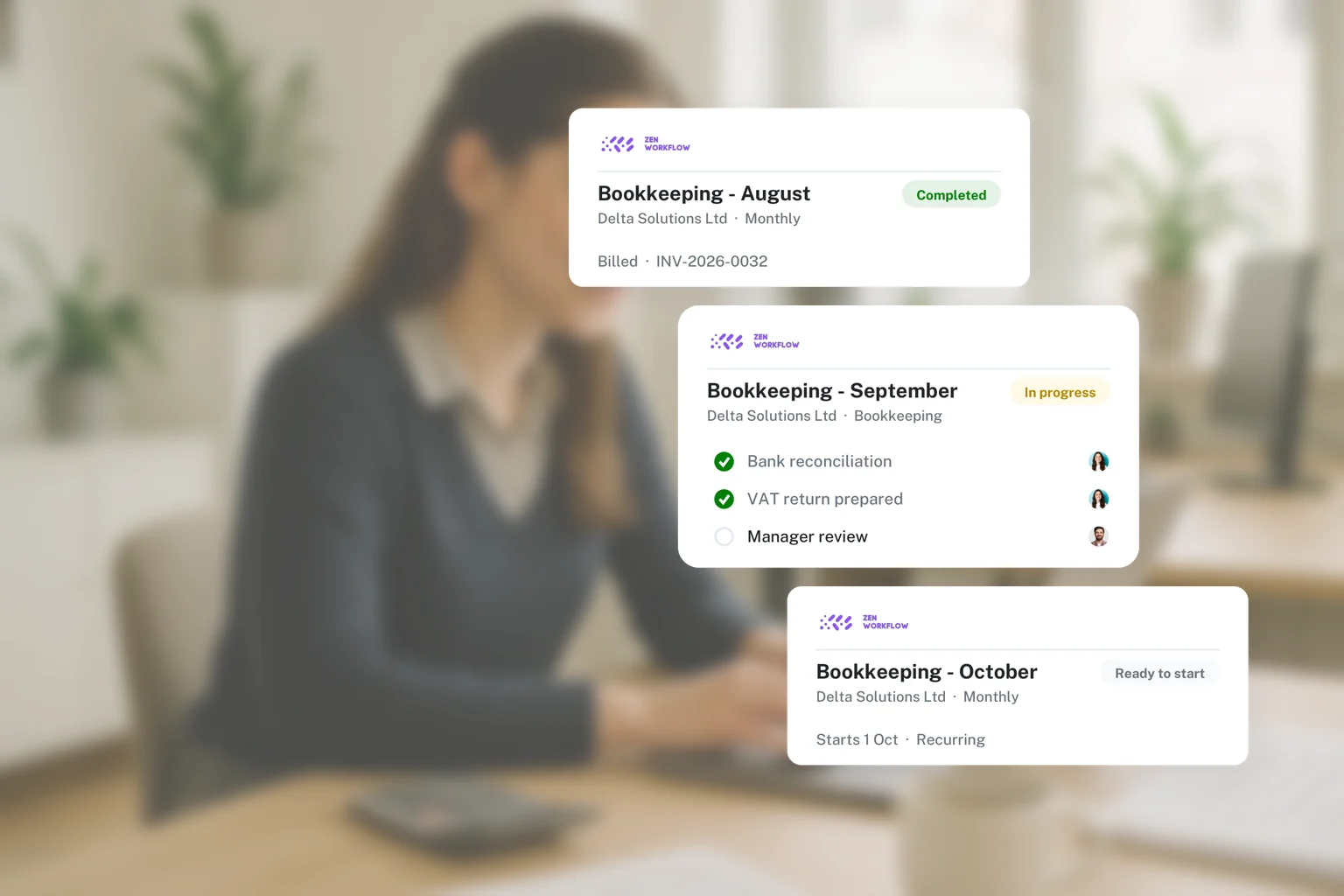
Keep every monthly cycle on track
Bookkeeping is about rhythm and volume. ZenWorkflow makes recurring work repeatable so nothing is missed across a busy client list.
Repeatable monthly workflows
Set up recurring bookkeeping and VAT processes once and run them the same way for every client, every period.
Clear ownership across the team
Assign clients and tasks so everyone knows what they own and where each job stands.
Know your true cost to serve
Track time per client to see which engagements are profitable and which need re-pricing.
Effortless recurring billing
Turn completed work into invoices quickly and keep on top of what is paid and outstanding.
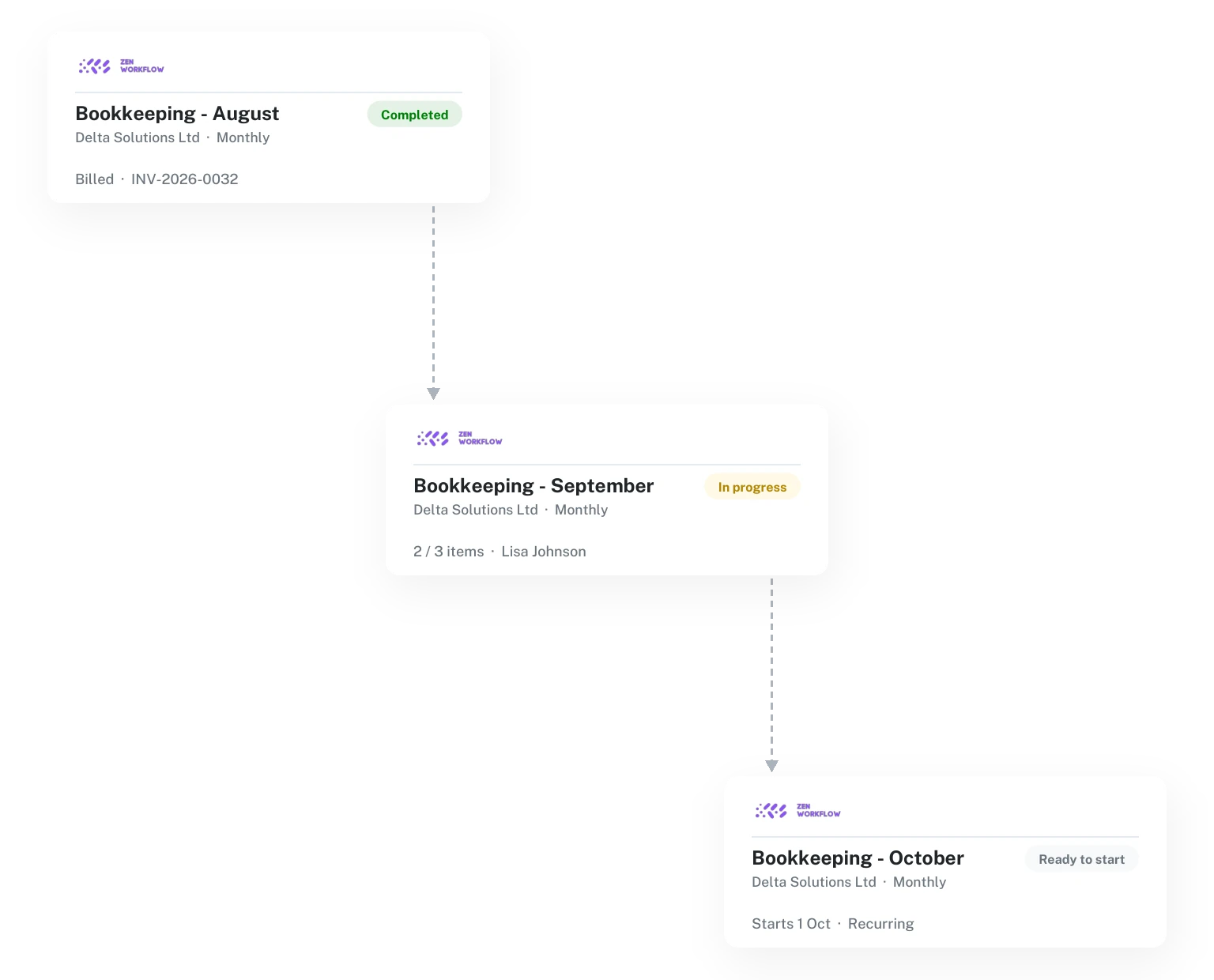
Recurring work that runs like clockwork
Template your bookkeeping and VAT processes, assign them across the team, and track progress for every client so no month slips through the cracks.
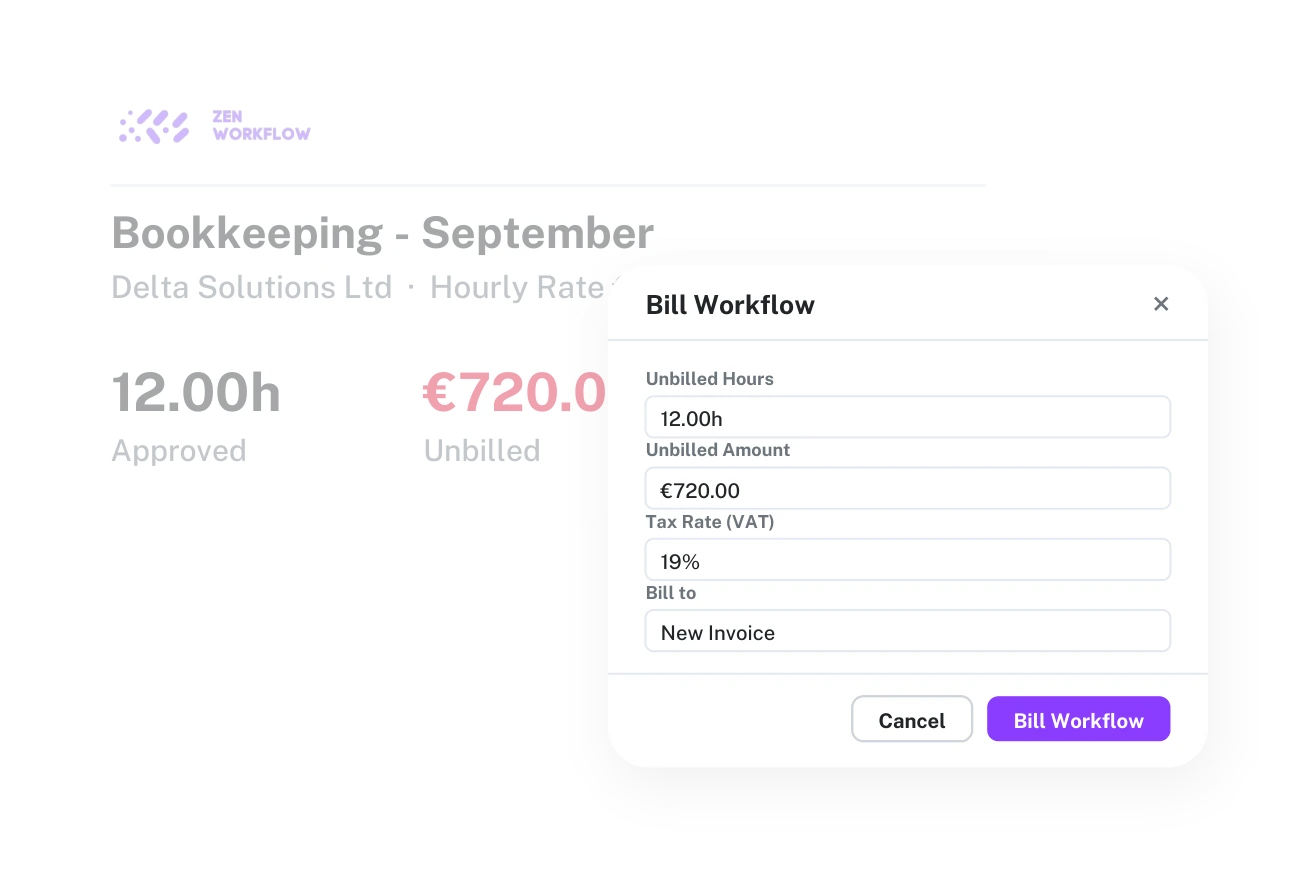
Understand and bill your work
Capture time against each client to understand your real cost to serve, then turn it into clean invoices with a clear record of what has been billed and paid.

Your whole client list, organised
Keep every client’s details, contacts, documents and assigned services in one place, so a growing book stays manageable and nothing about a client gets lost.
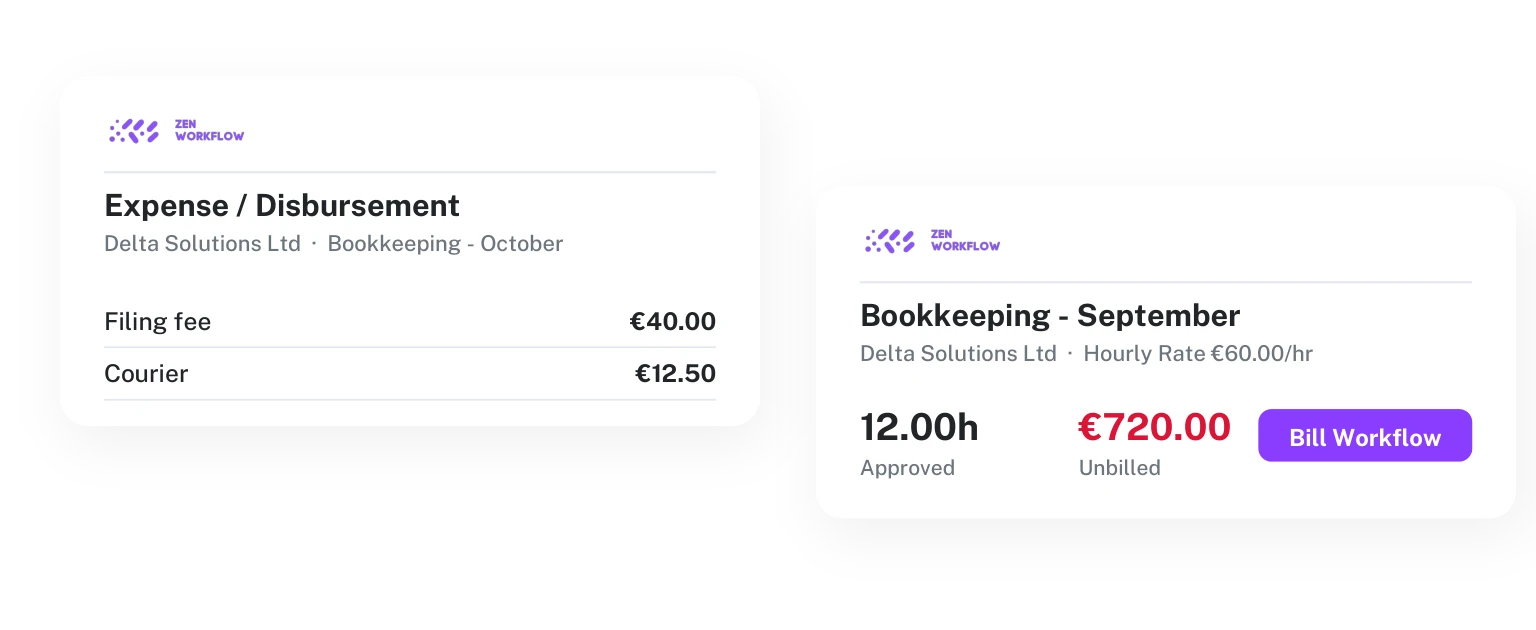
Capture costs and expenses as you go
Record expenses alongside time against each client and job, so the true cost of serving every client is captured as work happens and billing reflects reality.
Everything your bookkeeping practice needs
Workflows, clients, time and billing in one place. Explore the full feature set.
Workflows & templates
Standardise and automate every recurring engagement with reusable templates.
Client management
Contacts, directors, shareholders, company history and documents in one record.
Time tracking
Capture billable hours against clients, services and jobs with approvals.
Billing & invoicing
Turn time and fees into invoices, estimates and credit notes in seconds.
AML/KYC compliance
PEP and sanctions screening, risk assessments and full audit trails.
Leave management
Requests, approvals, balances and a shared team leave calendar.
Up and running in three simple steps
No long onboarding. Bring your practice into ZenWorkflow and start working the same day.
Import your data
Bring your clients, contacts and company data across from spreadsheets or your old system in minutes.
Build your workflows
Turn your services into reusable templates, assign your team, and let deadlines and recurring work run automatically.
Track time & get paid
Log billable hours against every job, convert them into invoices in one click, and see what's billed and outstanding.
Bookkeepers — frequently asked questions
Common questions from bookkeeping practices evaluating ZenWorkflow.
Can I manage recurring monthly work across many clients?
Can I see how profitable each client is?
Is it simple enough for a small team?
Can I bill recurring work easily?
Can I see everything that is due this month at a glance?
Does it work as my client list grows?
Can I capture expenses against a client?
Can I assign clients across the team?
Can I import my existing client list?
Never drop a bookkeeping cycle again
See how bookkeeping practices keep recurring work on track across every client.
No credit card required. Free 14-day trial.