The Jetpack Workflow alternative for firms that need more than a deadline list
Jetpack Workflow tracks recurring jobs and deadlines simply and well. Firms leave when the job is tracked but the bill, the client record and the team are somewhere else. ZenWorkflow does all of it, with a free plan to start on and monthly billing from €39 per user.
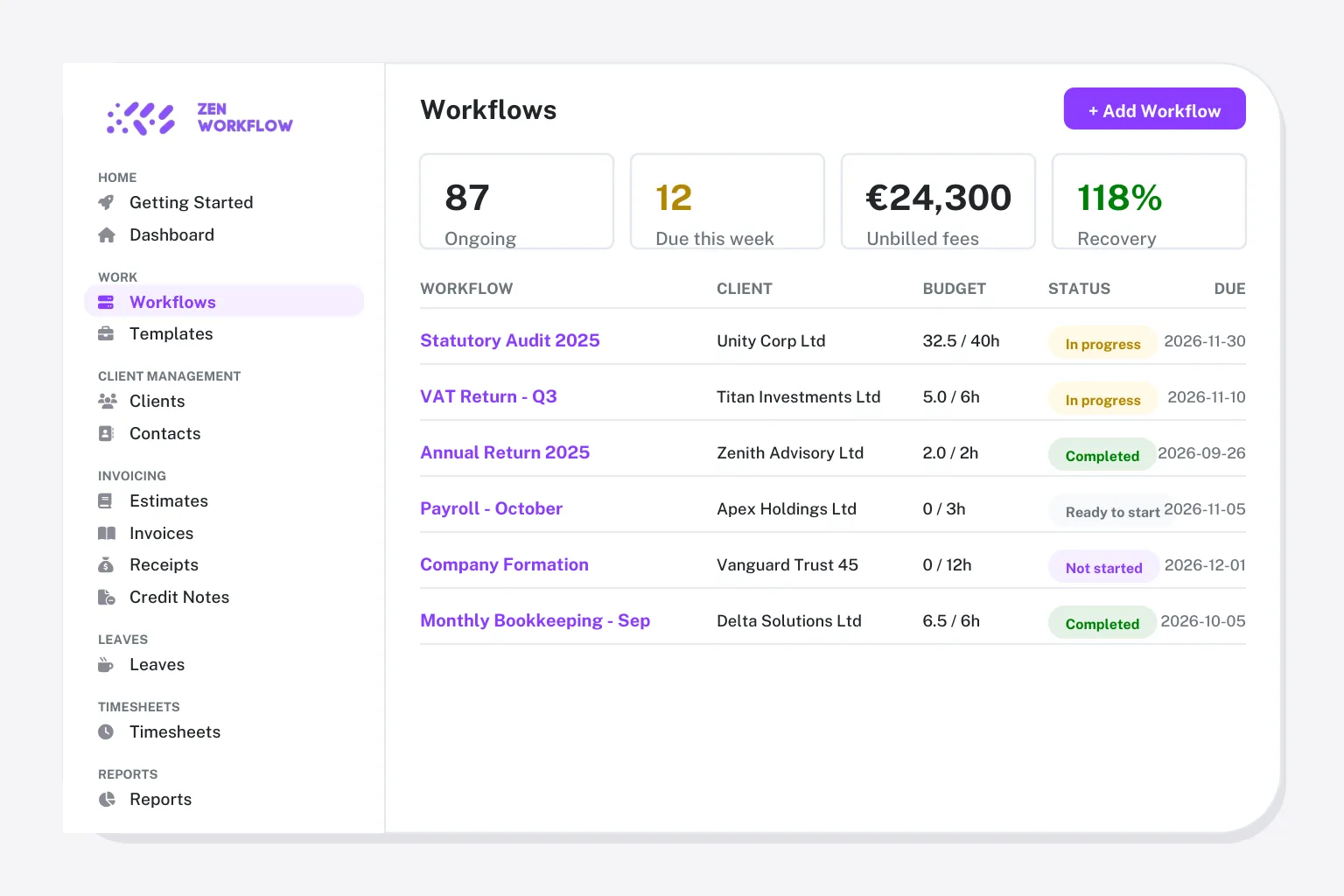
When firms start looking for a Jetpack Workflow alternative
Nobody leaves Jetpack because it is hard. They leave because it stops at the deadline.
The work is tracked, the bill is elsewhere
There is no native invoicing, so hours tracked in Jetpack are re-keyed into ledger software to bill them.
A client list, not a client record
Directors, shareholders, ownership and KYC documents have no home, so the client structure lives in files.
No compliance trail
AML/KYC checks and risk assessments need another tool, with no link to the client or the job.
No view of the team
Leave and capacity are out of scope, so planning who does the work still happens in a spreadsheet.
What you keep, what you gain
Most of what your team does in Jetpack Workflow carries straight across. The rest is what they have been doing in other tools.
You keep: recurring jobs
Jetpack job templates become workflow templates that launch on schedule with checklist sections, owners and due dates.
You keep: time tracking
Weekly timesheets with approvals, and every hour lands on the job it belongs to.
You gain: invoicing from the job
Invoices, estimates, credit notes and receipts generated from the tracked work, no re-keying.
You gain: client records and AML/KYC
Directors, shareholders and ownership on the client, with screening and risk assessments beside them.
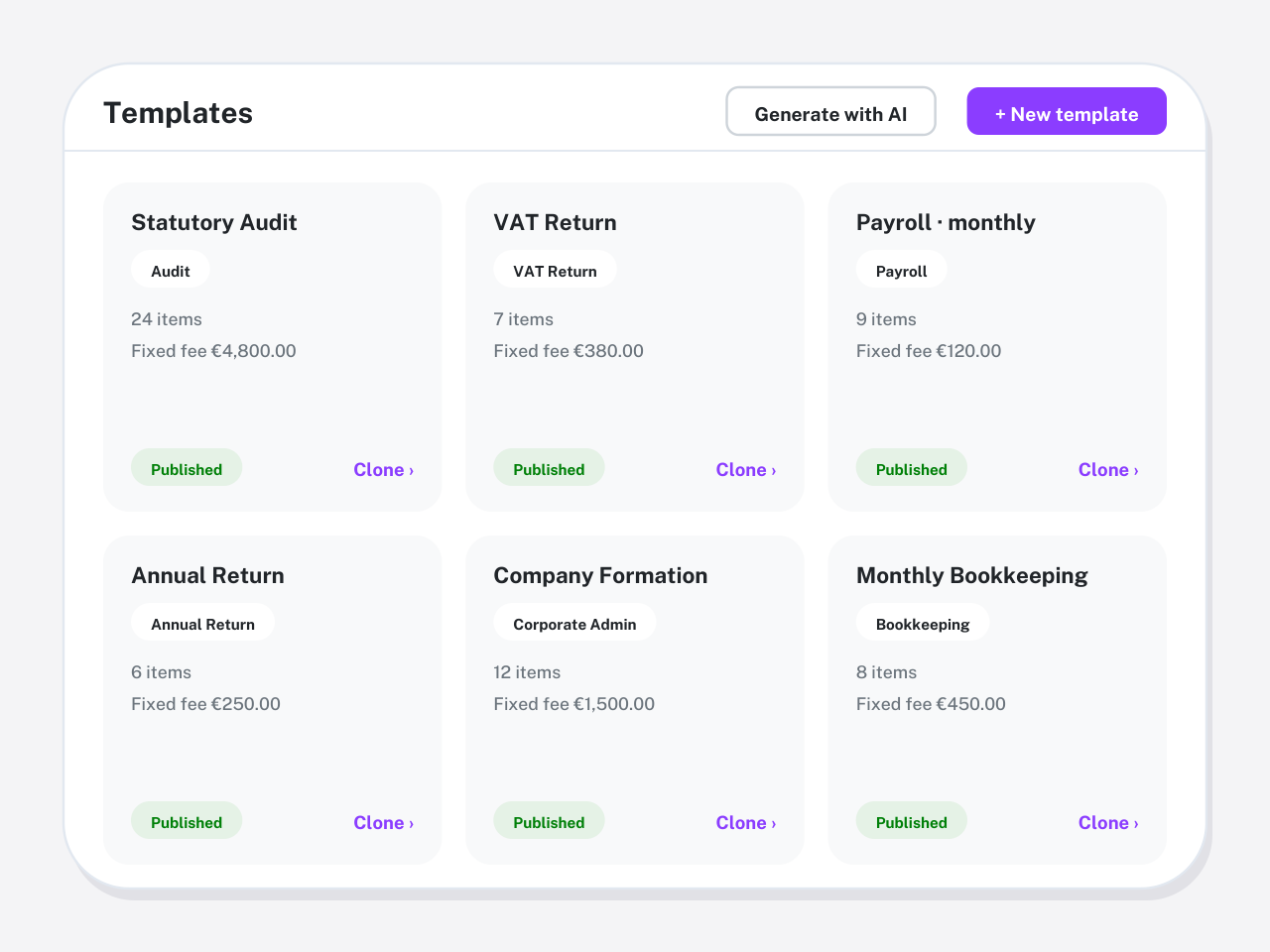
What you give up when you leave Jetpack Workflow
What you give up is simplicity: Jetpack sets up in an afternoon because it does one thing. ZenWorkflow is broader, so there is more to configure, which guided onboarding takes care of.
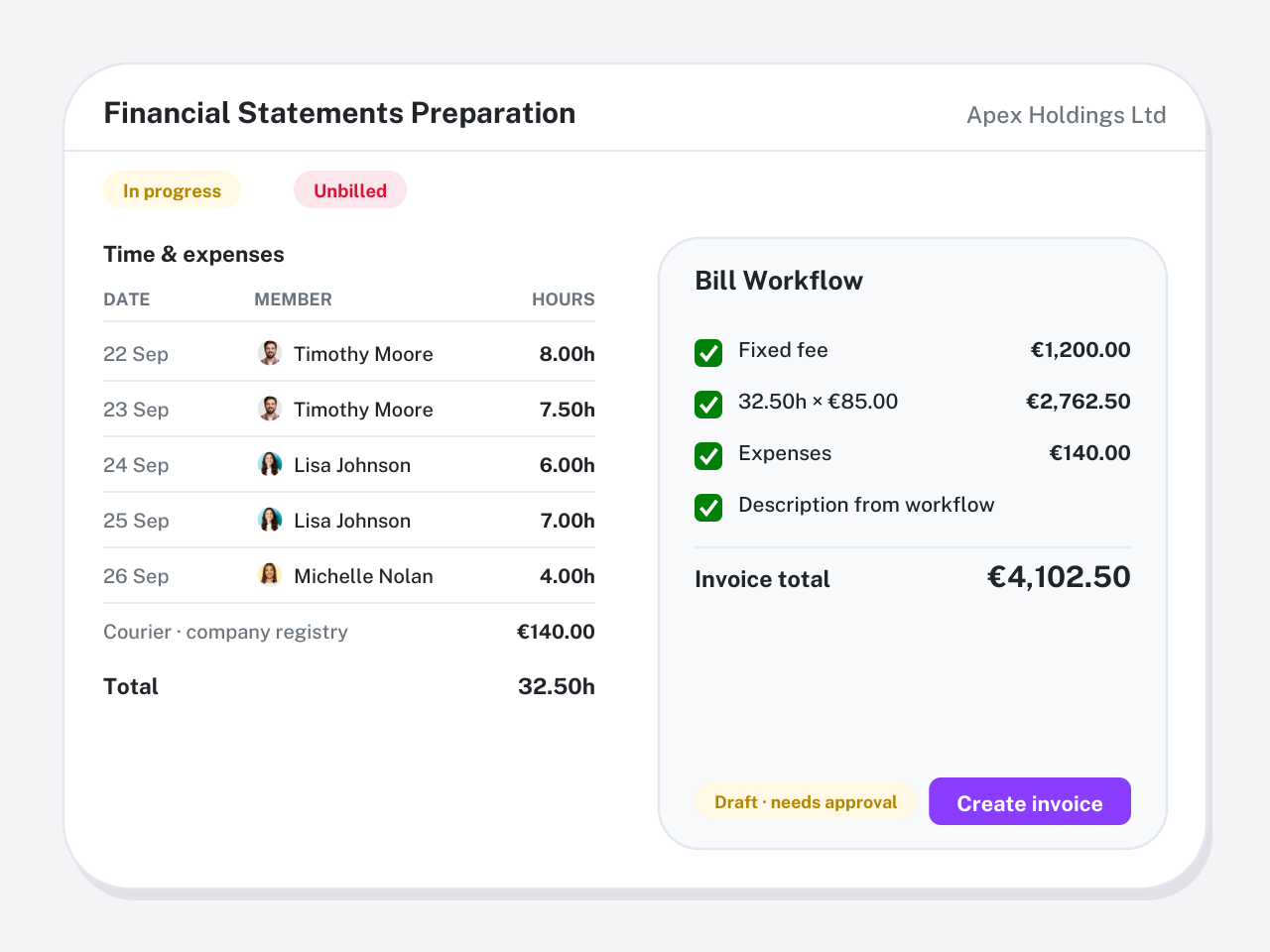
What to export from Jetpack Workflow before you switch
Jetpack exports clients and jobs to CSV. Take these before you cancel.
- Clients and contacts to CSV
- Open jobs with assignee, status and due date
- Job templates and their task lists, exported or documented, to rebuild as workflow templates
- Time entries for the current year, if you track time in Jetpack
Switching from Jetpack Workflow in four steps
Guided onboarding imports your data and validates it with you before go-live.
Export clients and jobs
Download your client list, open jobs and job templates to CSV from Jetpack.
Import into ZenWorkflow
Import clients and open jobs, then add directors, shareholders and services as you go.
Templates and go live
Recreate recurring jobs as templates and launch the next cycle from ZenWorkflow.
Run one cycle side by side
Keep Jetpack for the current month while the team works in ZenWorkflow, then cancel.
Switching from Jetpack Workflow: questions firms ask
Straight answers on data, timing and what changes for the team.
For firms that want billing, client records, compliance and team management alongside deadline tracking, ZenWorkflow. If a simple tracker is genuinely all you need, Jetpack remains a solid choice.
Yes. Clients and jobs import from CSV with guided onboarding. Job templates are rebuilt as workflow templates, by hand or with the AI template generator.
There is more to it, because it does more. A firm that imports its clients and rebuilds its recurring jobs as templates is typically running within two to three weeks, with onboarding guiding each step.
Yes. ZenWorkflow's free plan covers one user and ten clients, and every paid plan starts with a 14-day free trial. Jetpack has no free plan.
A firm with a few hundred clients is usually live within two to three weeks: a week to export and import, a week to rebuild templates and check the first cycle, and a few days of running the two systems side by side. Larger firms with invoicing history to bring across take longer, and we plan that with you.
Most teams are working in ZenWorkflow after one onboarding session. Workflows, timesheets and invoices follow the way firms already work, and the knowledge center covers every screen. Partners usually need the reporting walkthrough only.
Yes. ZenWorkflow is built in the EU and is used by accounting, audit, tax, legal and corporate-services firms across Europe and beyond. It bills in EUR or USD, supports multiple entities from one login and includes the AML/KYC due-diligence that EU and UK regulated firms need, without a US-tax or Companies-House-only focus.
Yes. Start a free trial with no credit card, import a handful of clients and run one real engagement end to end. Book a demo if you would rather see your own workflows set up first.
Leaving Jetpack Workflow? Bring one engagement across and see
Start a free trial, or book a demo and we will import a handful of your clients and run one real job end to end.
No credit card required. Free 14-day trial.