Ask Claude or ChatGPT about your practice
Connect your AI assistant to ZenWorkflow and ask about your workflows, clients, invoices and timesheets in plain language. It sees only what you are allowed to see.
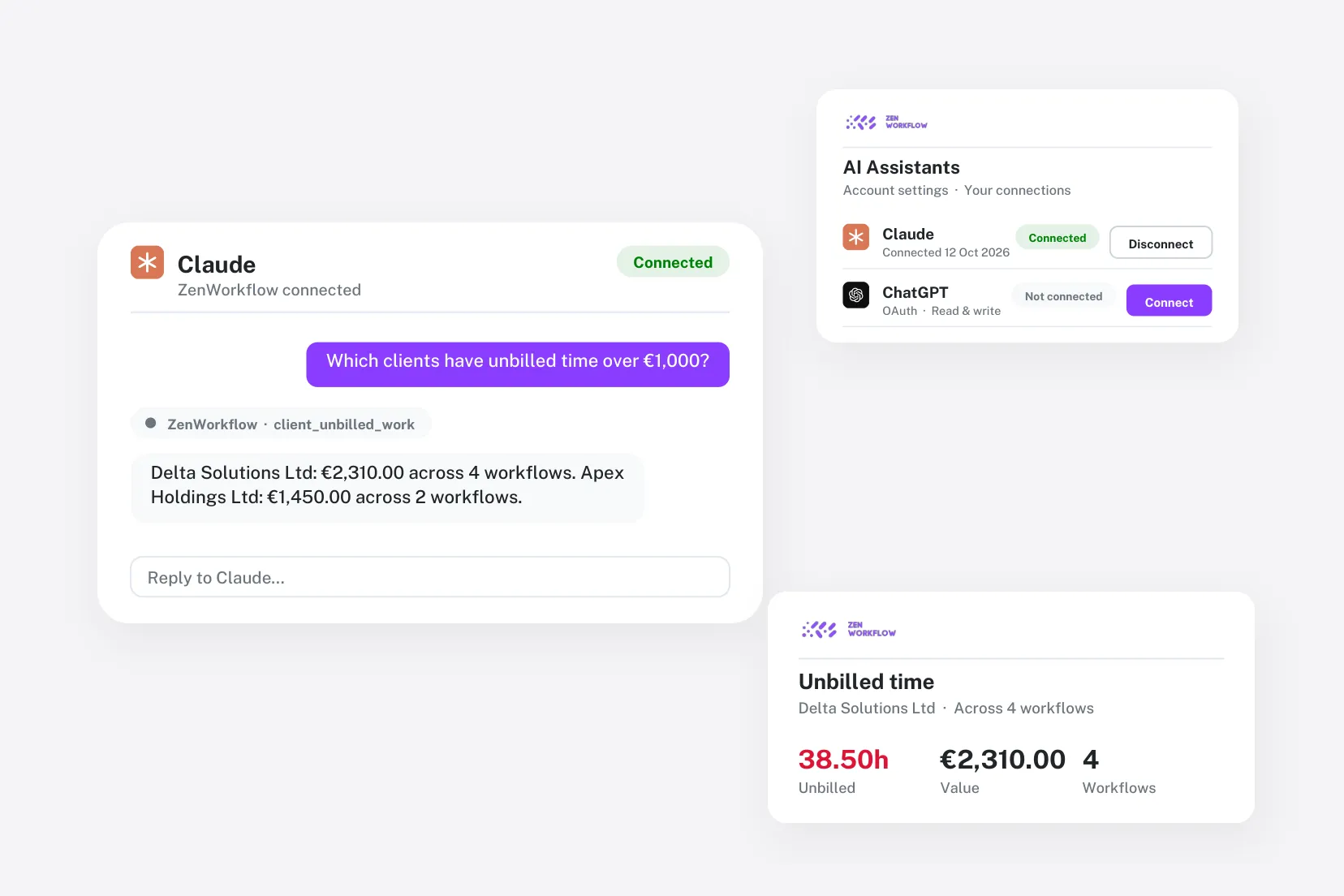
Your practice data, in the assistant you already use
Get answers in seconds instead of building a report.
Ask about anything
Workflows, clients, invoices, estimates, receipts, timesheets and services.
Summaries on demand
Ask for workflow, financial and timesheet summaries across your practice.
Get things done
Create workflows and clients, add client notes and workflow comments, and log your time.
Your permissions apply
The assistant sees exactly what you can see in ZenWorkflow—nothing more.
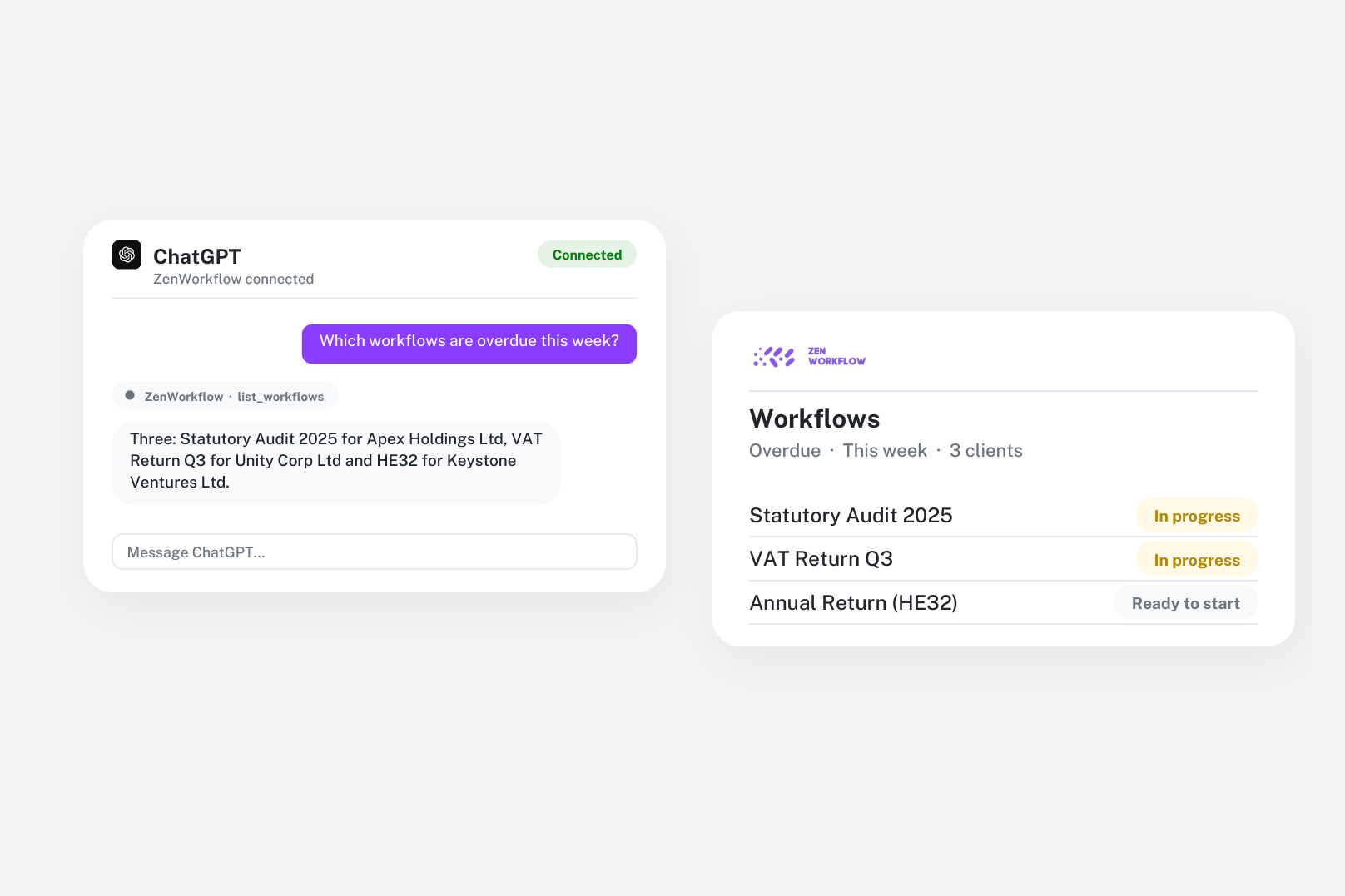
Answers from your live data
Ask which workflows are overdue, what a client has been invoiced this year or how many hours the team logged last week. The assistant looks it up in ZenWorkflow and answers in plain language.
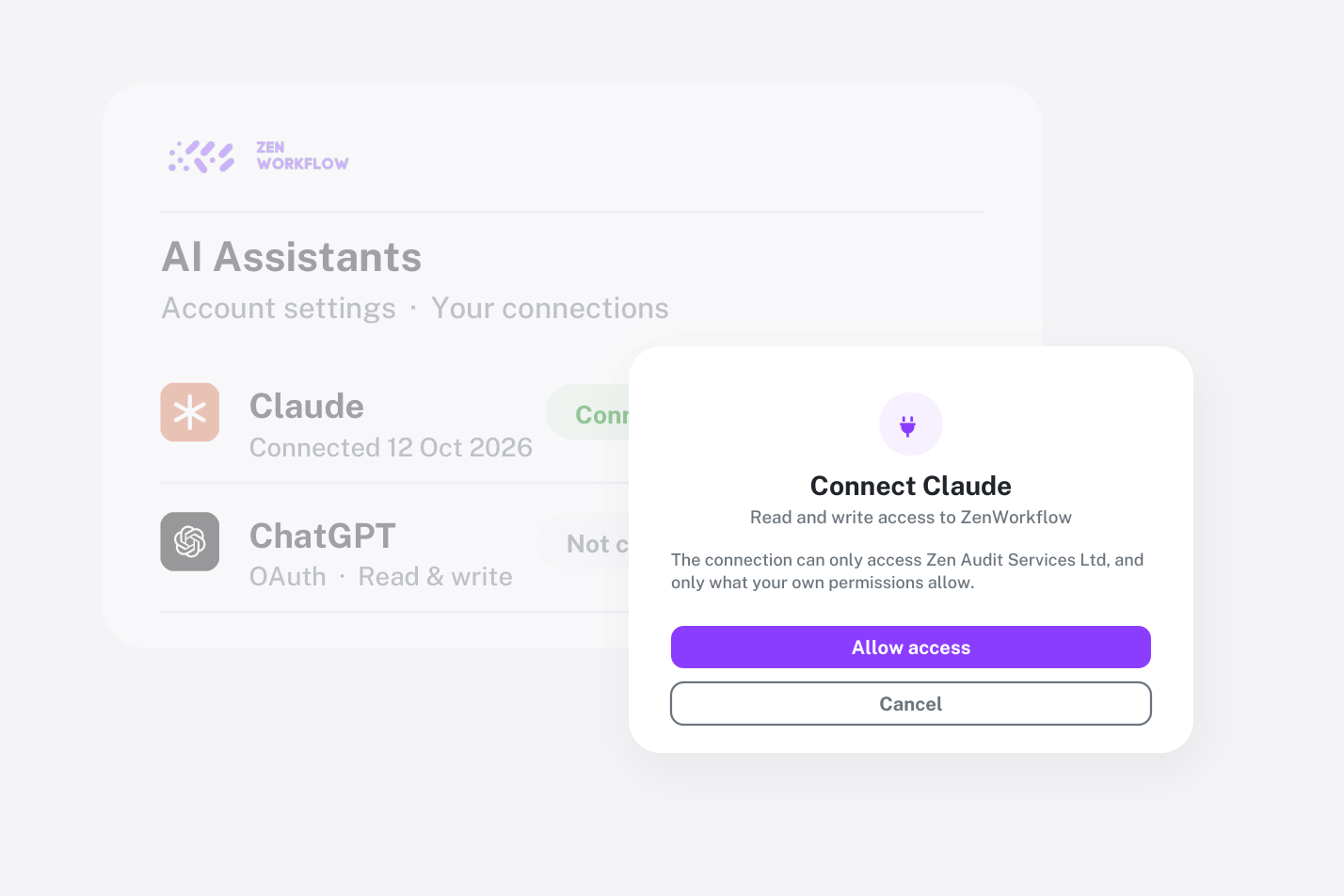
Connected safely, revoked in a click
Connect with a standard sign-in and approval screen—no passwords shared with the AI. Every request runs as you, within your access permissions, and you can disconnect an assistant at any time from your account.
Frequently asked questions
Common questions about the Claude & ChatGPT integration.
Claude (desktop, web and Claude Code) and ChatGPT. Other assistants that support MCP connectors can connect too.
It can create workflows, clients, client notes, workflow comments and your own time entries. It cannot edit or delete existing records.
Connecting an AI assistant requires an active paid subscription.


Put your practice data to work in AI
See how firms use Claude and ChatGPT with ZenWorkflow.