Your client list, always ready for your next newsletter
Connect SendPulse and ZenWorkflow keeps a mailing list in sync with your clients and contacts. New clients and changes flow across as you save them, so campaigns always go to an up-to-date list.
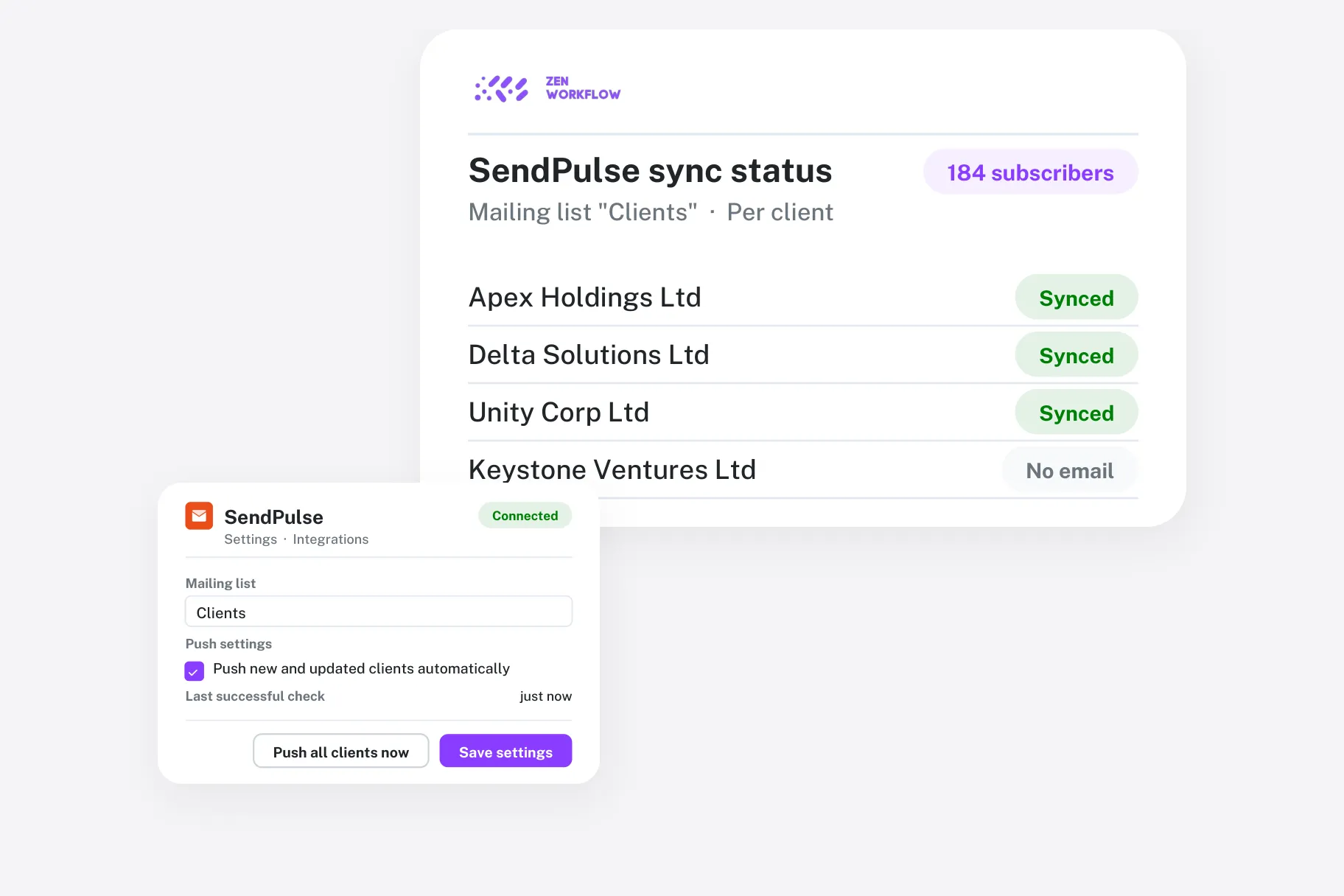
No more exporting contact lists
Stop downloading spreadsheets every time you want to email your clients.
Simple connection
Paste your SendPulse API ID and secret—nothing else to install.
Pick a mailing list
Choose which SendPulse address book your clients sync into.
Choose the fields
Send names and phone numbers plus the client and custom fields you pick.
Updates as you save
Each client is pushed to SendPulse whenever it is created or changed.
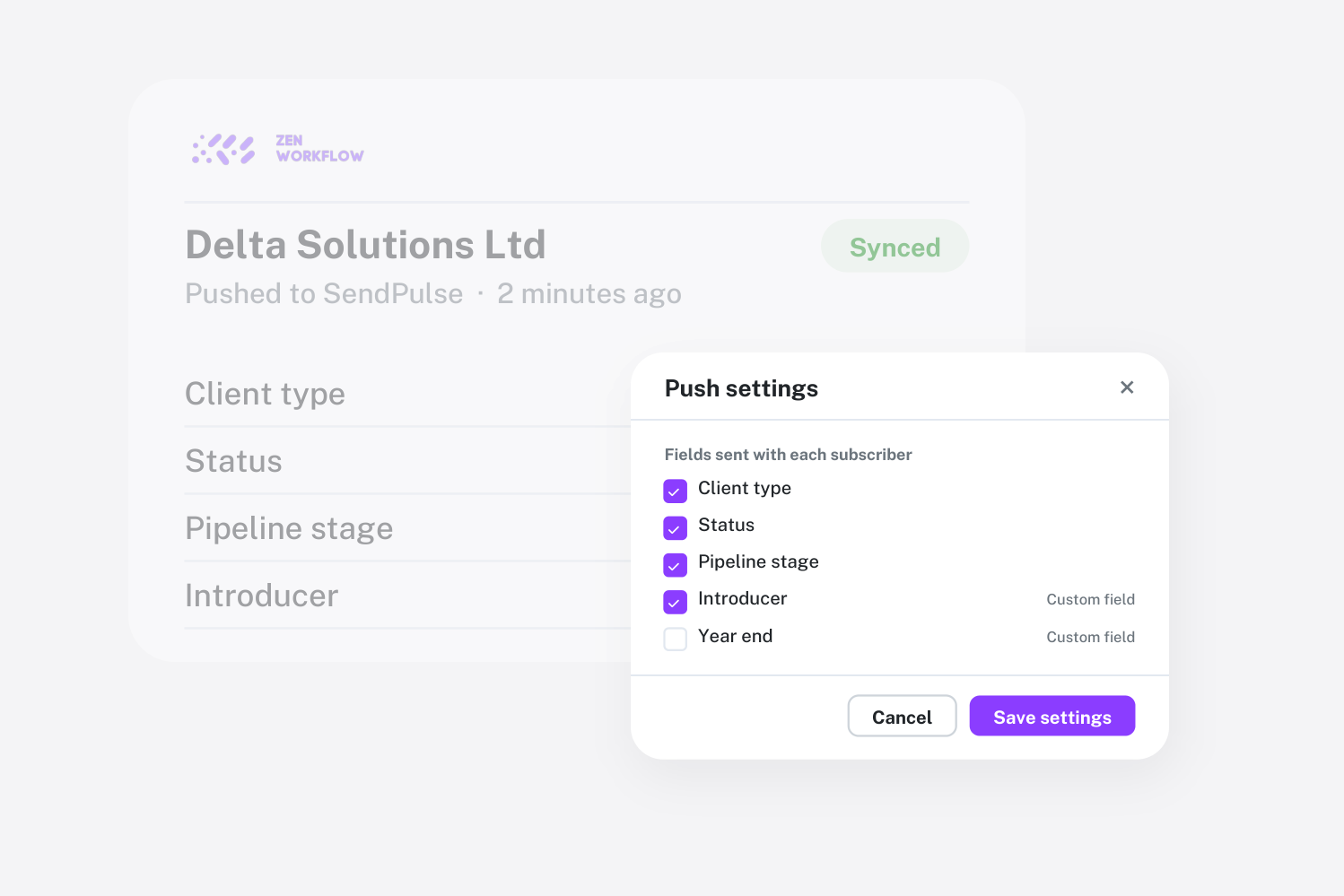
Send the details your campaigns need
Choose extra fields to send alongside each contact—client type, status, pipeline stage and your own custom fields—so you can segment and personalise campaigns in SendPulse.
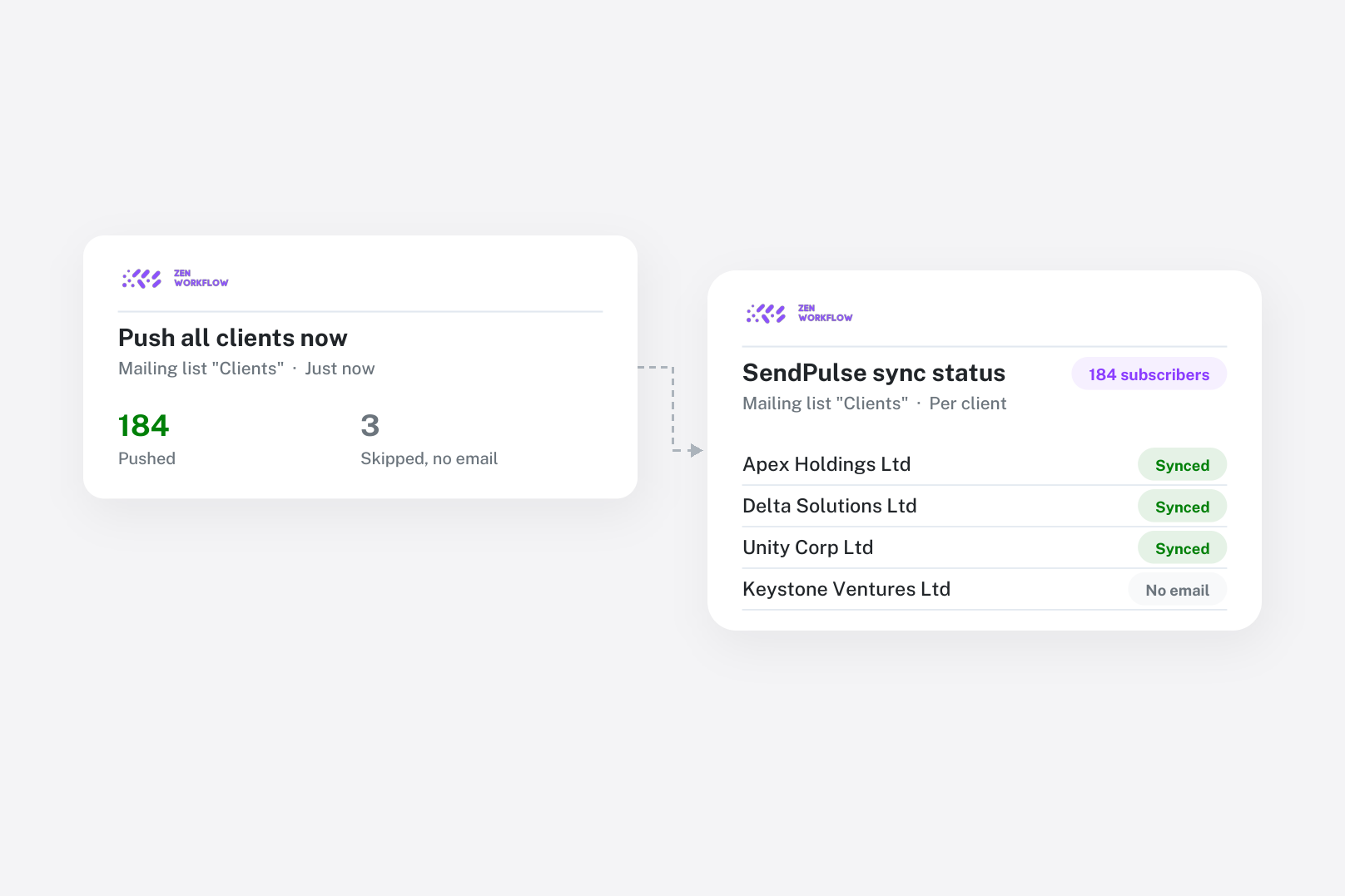
One click to sync everyone
Run a full sync to send your whole client list to SendPulse in one go, then let day-to-day changes flow across automatically as your team updates client records.
Frequently asked questions
Common questions about the SendPulse integration.
No. The sync is one-way: ZenWorkflow keeps your SendPulse mailing list up to date with your clients and contacts.
Name, email and phone, plus any extra client fields and custom fields you tick in the integration settings.
Any user with permission to edit organisation settings can connect it from Settings → Integrations.


Keep your mailing list in sync automatically
See how firms keep client communications up to date.