Coordinate Approvals and Sign-Offs Without the Email Trail
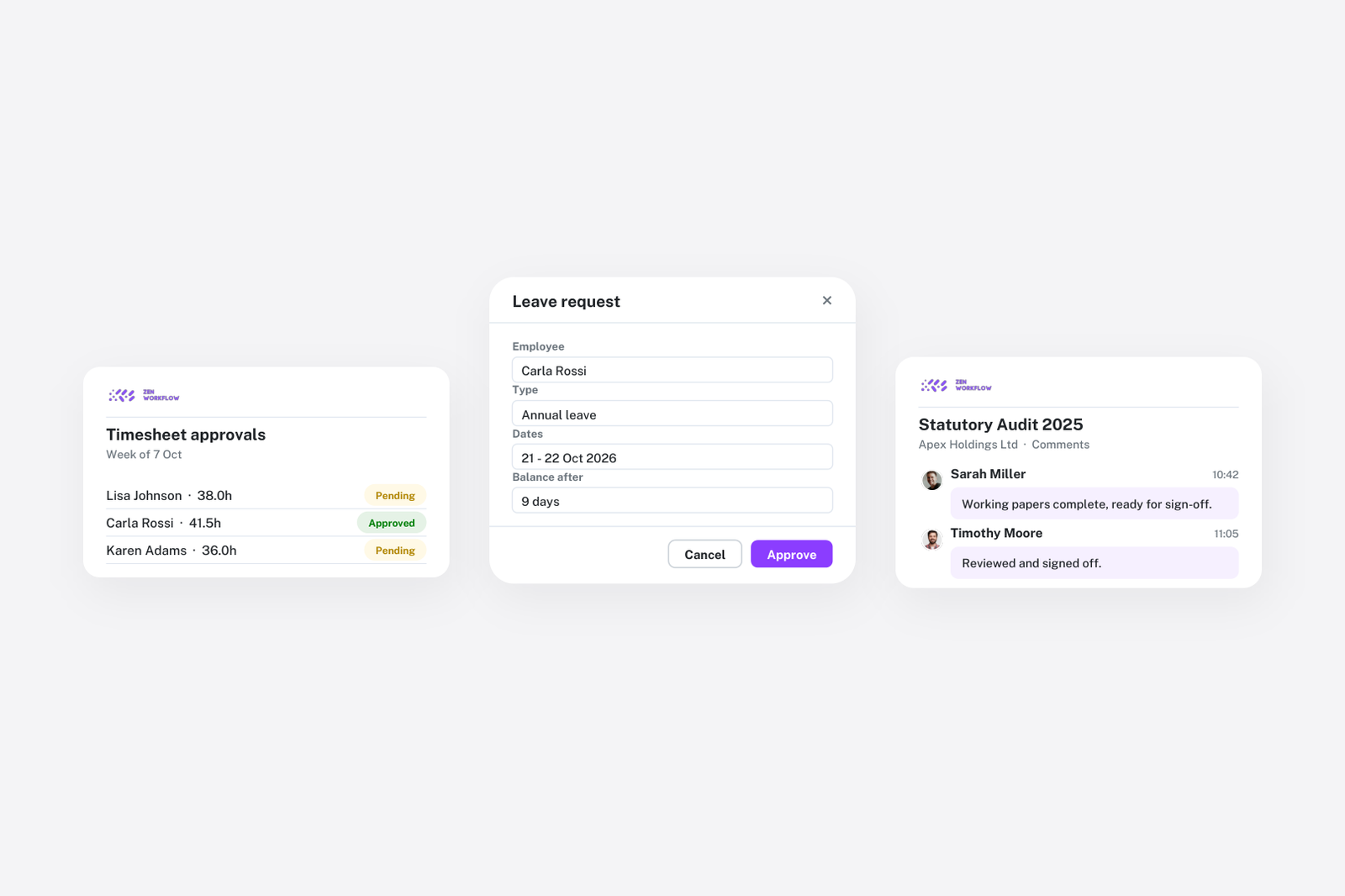
An approval by email is a decision with no home. The reviewer says "fine" in a reply, the preparer files the return, and six months later nobody can find which version was approved or whether the reviewer saw the last change. Multiply by every timesheet, invoice, leave request and risk assessment a firm produces and the result is a practice that runs on trust and inbox search.
Approvals belong on the thing being approved. That is the whole principle, and it is how ZenWorkflow handles each of them.
Review steps on the job
A workflow template can include approval items. A job with an approval item cannot be completed until the reviewer signs it off, so the review step is enforced by the structure rather than remembered by the preparer. The reviewer sees the items, the files and the fields that were completed, approves on the job, and the approval is recorded with their name and the time. Comments stay on the workflow, so the discussion about a figure lives next to the figure.
For audit engagements with several review layers, the same mechanism runs at each stage, and the status history shows how long each review took.
Weekly timesheets
Submitted timesheets are approved by a manager in a single view, by person and by week. Approved hours become unbilled work on the job, ready for invoicing, so approval is the moment hours become billable rather than a formality after the fact. See time tracking.
Draft invoices
Invoices start as drafts and are approved before they can be sent, so the person raising invoices from unbilled work is not necessarily the person who signs them off. The approved invoice is the one that reaches the client, and the ledger shows draft, approved, sent and paid states separately. See billing and invoicing.
Leave requests
Staff request leave in the app, and managers approve from the same place they see the team calendar, singly or in bulk. The balance updates on approval, and the calendar shows the absence to everyone planning deadline work. See leave management.
KYC assessments
Risk assessments can be routed through one or more approval layers before they are final, which is how the four-eyes rule in most AML manuals is actually enforced. The approver sees the questionnaire, the screening results and the documents, and the approval, with any override and its reason, is recorded on the client. See AML/KYC compliance.
One audit trail
Every approval above lands in the same audit log as every other change: who did it, when, and what it was. The log is the answer to "who approved this?" and it is the evidence a regulator or a professional body asks for. Nothing has to be reconstructed from email.
Notifications that reach the right person
Approvers are notified when something is waiting for them, and the daily digest lists pending approvals alongside due and overdue work. Partners who approve many things at once can clear them from one list rather than from scattered requests.
Designing approvals that do not slow the firm down
- Approve by exception where the risk is low. Timesheets for a trusted team can be approved weekly in bulk; the view is built for it.
- Put the review step where the risk is. One approval item before filing beats three scattered through the job.
- Separate raising from approving on money. Invoices and credit notes benefit from a second pair of eyes; the draft-and-approve flow makes that cheap.
- Never approve compliance by email. Assessments and overrides must be on the record to be worth anything.
Frequently asked
Can a job be completed without the review step? Not if the template has an approval item. The item must be approved before the workflow can be completed.
Can several people approve the same thing? Yes. KYC assessments support multiple approval layers; workflow items can be assigned to different reviewers.
Is there a record of who approved what? Yes. Every approval is recorded in the audit log with the person and the time.
Can approvals be done in bulk? Timesheets and leave requests can be approved in bulk from their views.
Where to start
Add one approval item to your most-used template and move timesheet approval into the app. Those two changes cover most of the sign-offs in a typical month. Book a demo or start a free trial.