See the Health of Your Practice With Reporting
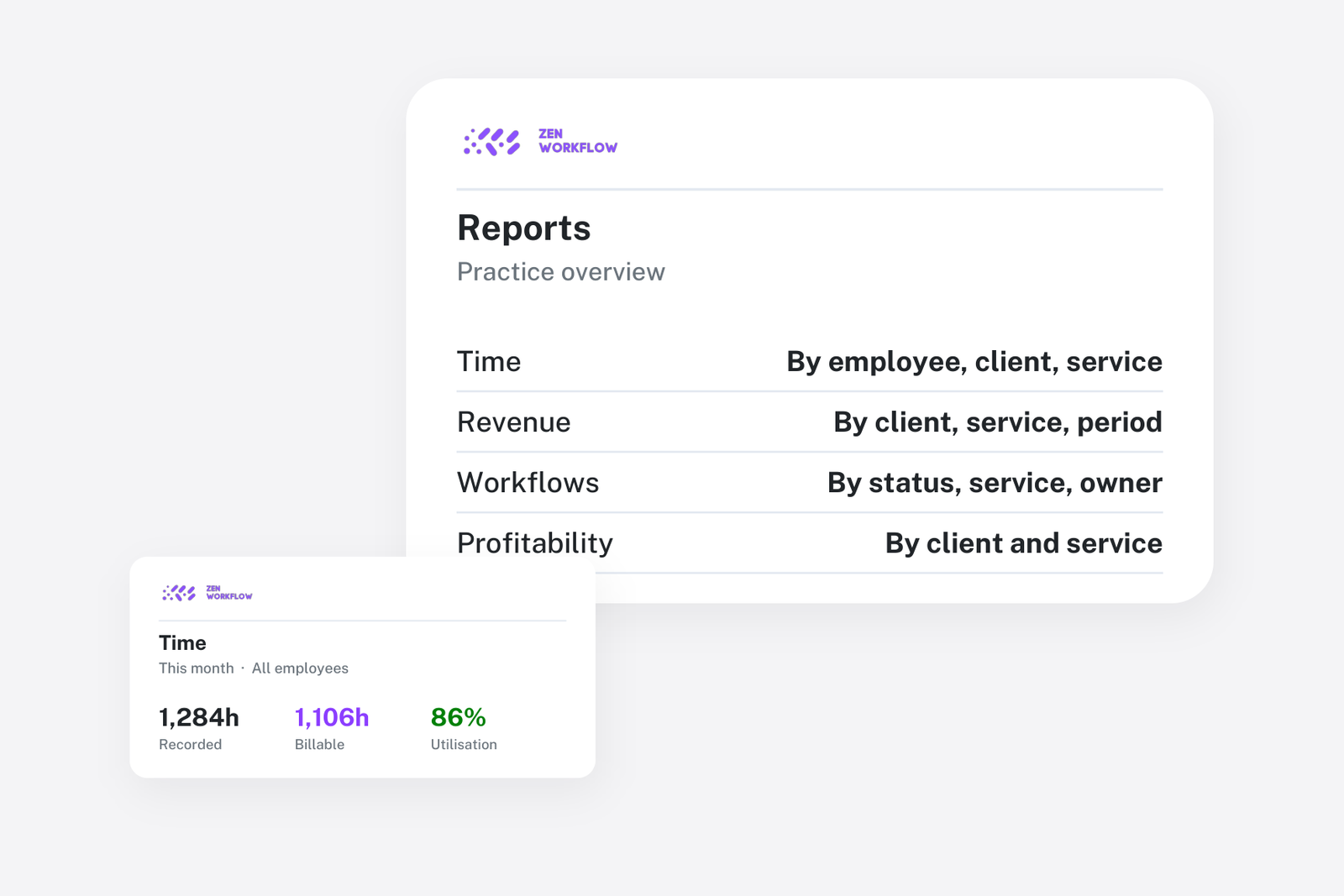
Most firms produce a management pack once a month, and most of the month is spent producing it. Hours from the timesheet system, invoices from the accounts package, deadlines from a spreadsheet and compliance from another. By the time it is assembled, it describes last month. The partners read it, nod, and run the practice on instinct for the next thirty days.
Reporting is only useful if it is current and if it answers questions nobody had to assemble. That is possible when the work, the time, the billing and the compliance are in the same system.
The dashboard: what needs attention today
The dashboard shows the practice at a glance: overdue workflows, unpaid and overdue invoices and compliance gaps such as clients due for review or with missing KYC fields. It is the view a partner opens in the morning, and each number drills into the list behind it.
Pivot reports: ask the question you have
Rather than a fixed set of layouts, the main reports are pivots. You pick what to group by, optionally what to split each group by, and the measures follow. Each group shows its share of the total, a chart summarises the result and the whole thing exports to a spreadsheet.
- Time: hours, billable hours, utilisation and amount at billing rates, by client, service, workflow, team member, period or billing status.
- Revenue: net, tax and total from approved invoices in the period, by client, service, tax rate or currency.
- Payments: what has actually been received, by client and period.
A handful of questions cover most of what partners want to know, and each is one grouping: hours by team member for utilisation, revenue by service for the shape of the firm, time by client with billing status for what is unbilled, payments by client for who is slow to pay.
Workload: who is doing what
The workload report lists each team member with their open workflows, due dates and hours logged. It is the capacity view described in planning team capacity, and it is where the manager looks before assigning the next job.
Compliance: where the firm stands
On the Practice + AML plan, the compliance status report shows the distribution of risk across the client base, which clients are overdue for review and which have KYC fields or documents missing. It is the report a regulator asks for and the one that tells the compliance officer what this month's work is. Staying on top of AML reviews describes the cycle behind it.
Client statements and time by client
For conversations with a client, a statement shows their invoices, receipts and balance, and a time view shows every entry logged for them in a period, exportable to PDF or sent by email. Both come from the same data as the firm-wide reports, so the client sees the same numbers the partner does.
Why this is different from a BI tool
Firms sometimes try to build this in a dashboard tool over exports from four systems. It can work, but it is a project with an owner, and when the owner leaves the dashboard rots. Reports over one system need no joins and no maintenance, and they are current on the day you open them. The trade-off is that the reports answer the questions a practice has rather than any question at all, which for most firms is the right trade.
Related reading
Profitability by client and service uses the time and revenue pivots together; recovering unbilled work uses the time report filtered to what is not billed.
Frequently asked
Can I export the reports? Yes. Every pivot exports to a spreadsheet with the grouping you chose, and client-facing views export to PDF.
Can I control who sees financial reports? Yes. Access to financial data is a permission, so partners and managers can see different things.
Are the numbers live? Yes. Reports read the current data; there is no overnight build.
Can I report in one currency when clients are billed in several? Yes. Revenue is converted to the reporting currency at the rate on each invoice.
Where to start
Open the time report grouped by team member and the revenue report grouped by service after your first month. Those two views replace most of the management pack. Book a demo or start a free trial.