Recover Unbilled Time and Fees Before They Become Write-offs
Ask a partner where the firm loses money and they will name a difficult client. Ask the billing team and they will point somewhere else: at the hours that were worked, approved and then never billed, because by the time anyone looked at them the job was closed, the invoice had gone out and the easiest thing was to write them off.
Unbilled work leaks in small amounts from many jobs, which is why it rarely gets fixed. This article is about making it visible early enough to bill.
Where the leak happens
There are four places unbilled work disappears:
- Time logged from memory. Hours reconstructed on Friday afternoon are hours under-recorded.
- Fees kept apart from the hours. A fixed fee lives on a spreadsheet, so nobody compares it with the time actually spent until the job is long finished.
- Expenses recorded nowhere. Disbursements paid on a client's behalf never make it to the invoice.
- Unbilled work reviewed too late. The first time anyone looks at what is unbilled is the month-end review, when the pressure is to clear it rather than bill it.
Log time against the job, not the week
The weekly timesheet lists each person's workflows, so hours go to the right client, service and job in a few clicks rather than being allocated afterwards. Expenses are recorded against the same job alongside the time. Because every entry is attached to a workflow, it can be billed from the workflow later without anyone matching timesheets to invoices.
See hours against budget while the job is open
Each workflow shows budgeted against actual hours and fees as time is logged. A fixed-fee job that has used 90% of its hours with half the work left is visible on the job that week, which is when something can still be done about it: a conversation with the client, a change to scope or a note that the fee is wrong for next year. On the invoice two months later, the only option is to absorb it.
Approve the week so the numbers are real
Submitted weeks are approved by a manager in a single view. Approval is optional, but firms that use it find the picture of unbilled work becomes reliable the same week rather than at month end. Approved time appears as unbilled work on the job, ready for the invoice.
The unbilled view per client
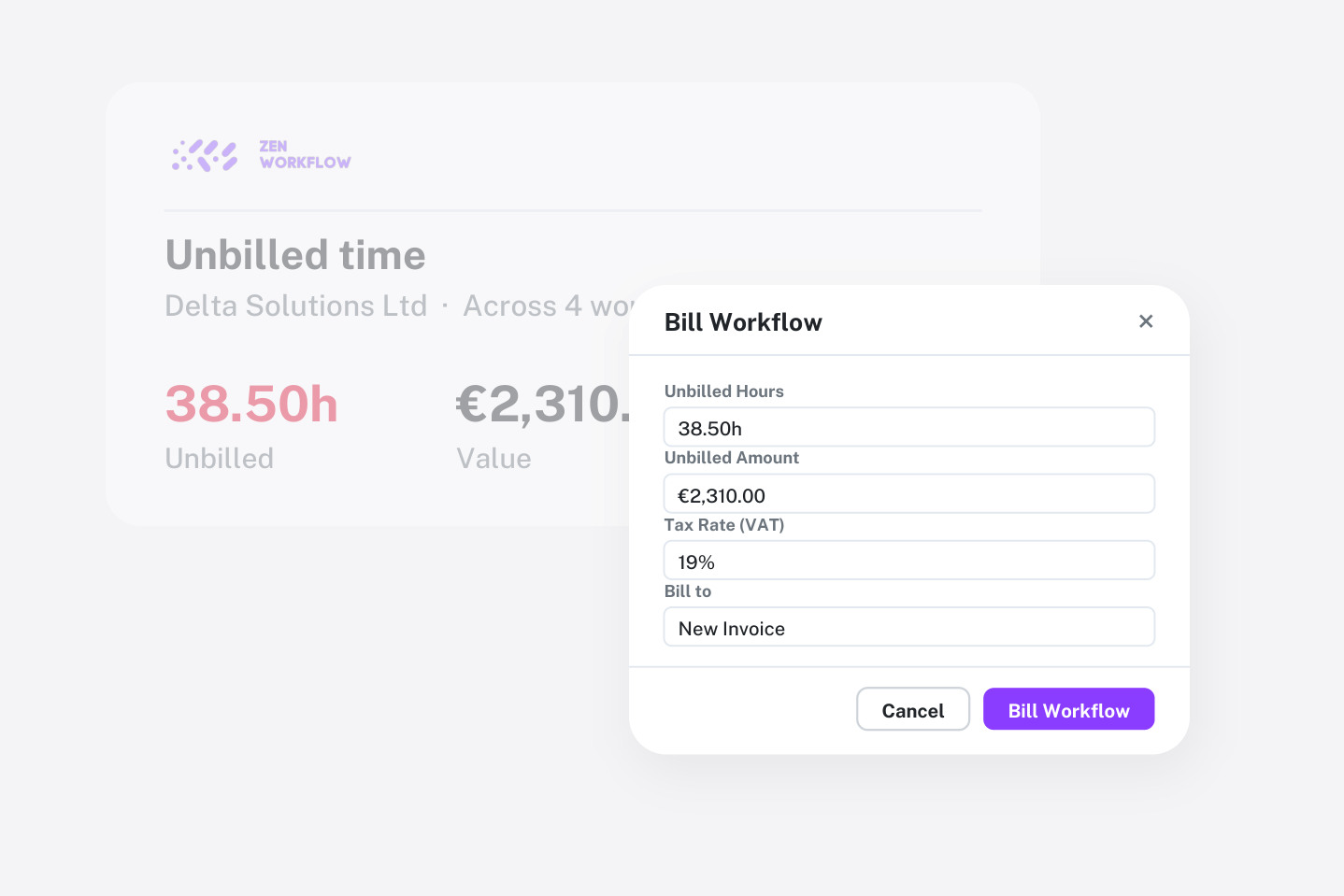
Open a client's billing view and you see everything that could be invoiced: unbilled hours grouped by workflow, fixed fees that have fallen due, fee-type charges added to a job and expenses. Pick what to bill and the invoice lines are built from the work, grouped by workflow, with the job marked billed when the invoice is raised. See billing and invoicing for the mechanics.
Loose hours that will genuinely never be billed can be written off from the same view. The difference is that writing off becomes a decision someone makes, with the amount in front of them, rather than the default outcome of not looking.
Making it a monthly habit
- Before month end, open the unbilled view for each client with open work. Bill what is complete, note what is not.
- Compare budget with actual on open jobs. Where a fixed fee is being exceeded, decide now whether to talk to the client or to reprice next cycle.
- Write off deliberately. If hours are being written off on the same service for several clients, the template's budget or fee is wrong. Fix the template, not forty jobs.
Where the numbers go
Once time, fees and invoices live on the same jobs, profitability by client and service stops being an annual exercise and becomes a report you can open on any day. The two articles belong together: this one is about billing what you did, that one is about knowing which work was worth doing.
Frequently asked
Can a job be both fixed fee and hourly? Yes. A workflow can carry a fixed fee, billable hours or both, and the invoice can pick any combination of unbilled time, fees and expenses.
Do timesheets have to be approved before billing? Approval is built in but optional. Firms that skip it still see unbilled work per job; approval makes the numbers trustworthy earlier.
Can I bill several jobs on one invoice? Yes. Pick unbilled work across a client's workflows and the lines are grouped by workflow on a single invoice.
What about estimates and credit notes? Estimates convert to invoices when won, credit notes offset invoices, and receipts can be allocated across several invoices, so the ledger shows what is billed, paid and outstanding.
Can I see unbilled work before month end? Yes. The per-client billing view shows unbilled hours, fees and expenses at any time.
Where to start
Turn on weekly timesheets against workflows for one team and look at the unbilled view at the end of the first month. Firms are usually surprised by the number, and that number is the business case. Book a demo and we will take one of your real jobs from timesheet to invoice, or start a free trial.