External Integrations: Connecting ZenWorkflow to Your Existing Tools
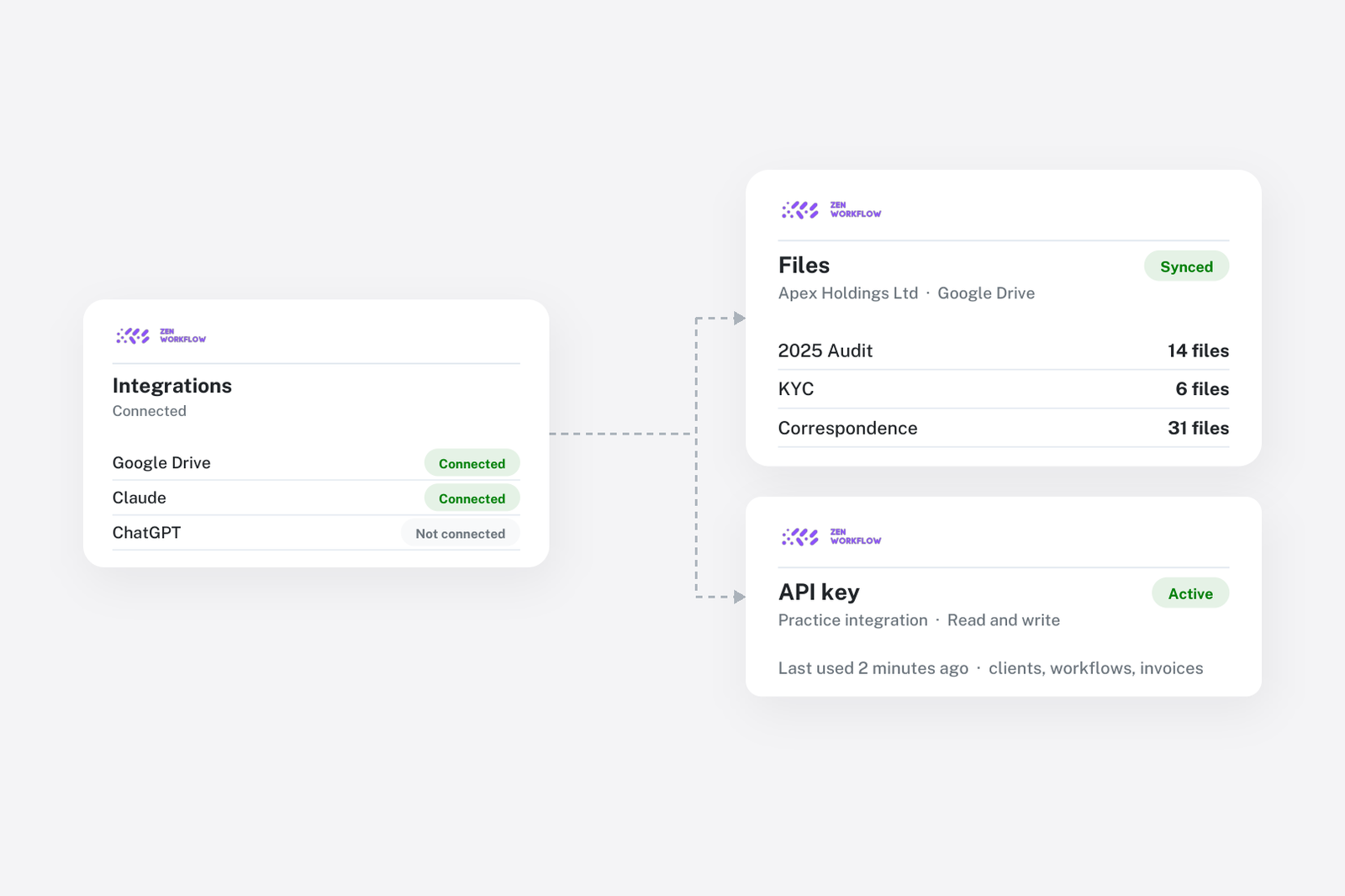
Modern professional services firms rely on a suite of software tools to manage their operations. ZenWorkflow's integrations module bridges the gap between your practice management platform and external services, reducing manual data entry and keeping your systems in sync.
Connecting External Services
ZenWorkflow provides a dedicated integrations section within Settings where you can manage connections to external services. Each integration follows a consistent pattern: provide your credentials, test the connection, and activate it.
Supported Integrations
ZenWorkflow currently supports the following providers:
- QuickBooks Online: Two-way sync of customers, invoices and payments via OAuth2
- Xero: Two-way sync of contacts, invoices and payments via OAuth2
- HubSpot: Two-way sync of clients with HubSpot contacts and companies via OAuth2
- Google Drive: Store and sync client files to Google Drive for cloud backup and sharing
Each integration provides:
- Test before save: ZenWorkflow validates the connection before storing your credentials. This ensures you never save a broken connection.
- Connection status: Monitor your integration with clear status indicators — idle, syncing, success, or error — along with descriptive error messages when something goes wrong
- Manual testing: Re-test existing connections at any time to verify they are still active
- Last sync timestamp: See exactly when data was last synchronised between systems
Managing Connections
Once connected, you have full control over each integration:
- Activate and deactivate: Temporarily disable a connection without deleting the configuration
- Reconnect: Update credentials if your tokens change
- Disconnect: Fully remove a connection when it is no longer needed
Extensible Architecture
ZenWorkflow's integrations module is designed with extensibility in mind. The underlying architecture supports adding new integration providers as they become available. Each provider follows a standard interface for connection management, status tracking, and data synchronisation.
API Keys for Custom Integrations
Beyond built-in integrations, ZenWorkflow supports API key authentication for custom integrations. You can generate API keys from your user profile, enabling programmatic access to ZenWorkflow data for custom scripts, internal tools, or third-party automation platforms.
Security Considerations
All integration credentials are stored securely and transmitted over encrypted connections. API tokens are never displayed in full after initial entry, and connections can be revoked instantly if a security concern arises.