How to Choose Practice Management Software for an Accounting, Audit or Law Firm
Practice management software is bought once every six or seven years, and usually by a partner who has never bought it before. The demo is polished, the salesperson is helpful and the decision is made on how the dashboard looks. Six months later the firm discovers that recurring jobs do not roll over the way the demo implied, the billing module cannot handle a fixed fee with a time-based add-on, and the client data they migrated has lost half its fields.
This guide is the list of questions to answer before that happens. They are ordered by how expensive the answer is to get wrong.
1. What is the unit of work?
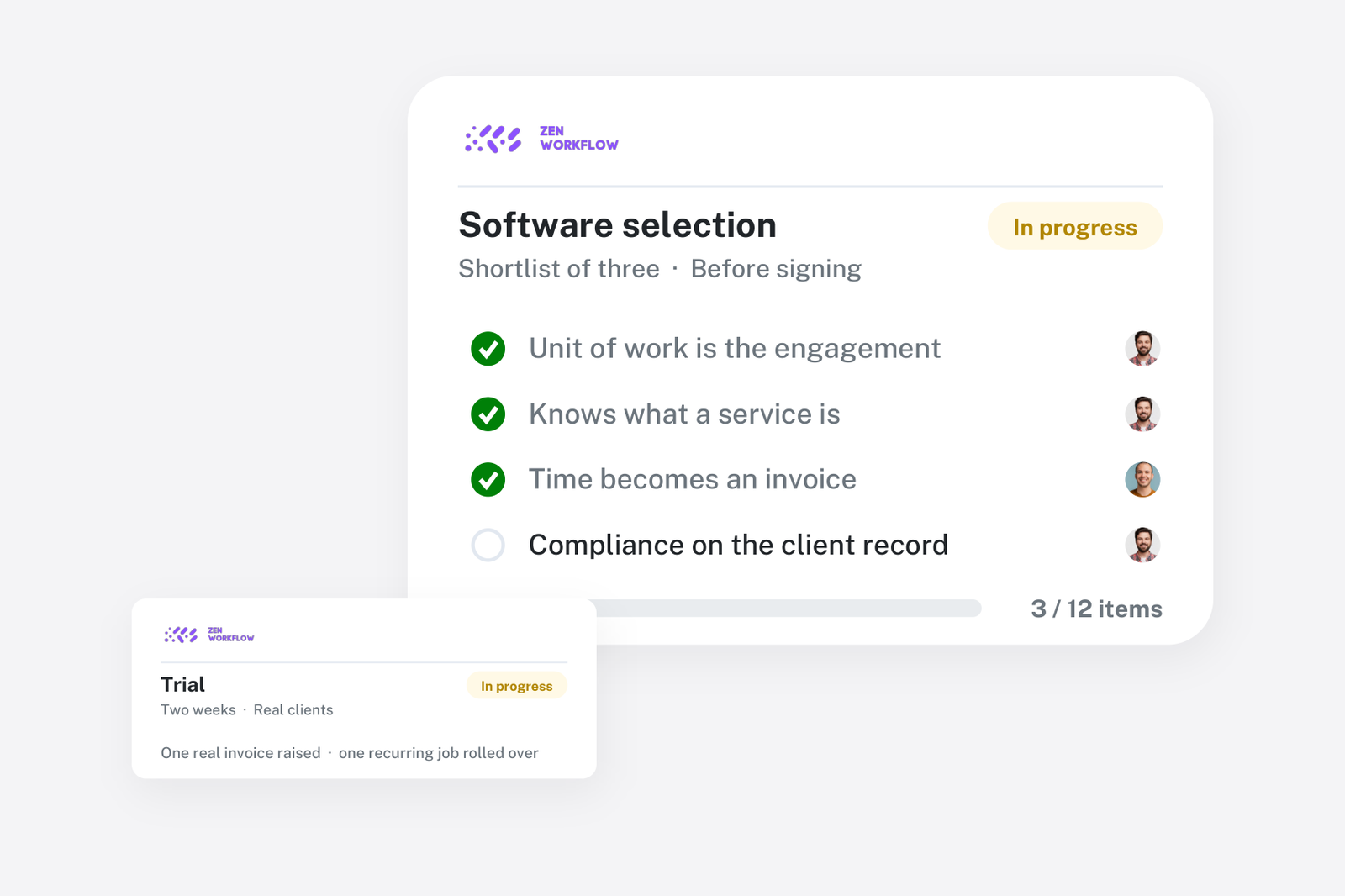
Every system is built around one object. For some it is the task, for some the project, for some the client. Ask the vendor to show you a recurring engagement from start to finish: a monthly bookkeeping job, an annual audit, a company formation. Watch what happens when the job repeats next period. If the answer is "you duplicate it", every period of every client is manual work forever.
The right answer for a firm is a workflow that belongs to a client and a service, is created from a template, and recurs on a schedule your firm sets. Anything else is a to-do list with a logo.
2. Does it know what a service is?
Firms sell services, not tasks. A client has a bookkeeping service at a monthly fee, an annual audit at a fixed fee and ad-hoc advice at an hourly rate. The software should hold that list per client, because it is what drives recurring work, what drives billing and what drives the question "which clients are we not doing the work we agreed for?"
If the system has no concept of a client's services, you will rebuild it in a spreadsheet within a month.
3. How does time become an invoice?
Ask for the path from a timesheet entry to a paid invoice, with no steps skipped. Where does unbilled time sit? Can a partner see it by client before raising the invoice? Can one invoice carry a fixed fee, time at a rate and a disbursement? Can time be written off deliberately, with a record of who did it?
Billing is where practice management software earns its fee back. A system that tracks time but hands you a CSV at month end has done the easy half.
4. What does it do about compliance?
Accounting, audit, legal and corporate-services firms carry anti-money-laundering obligations: client risk assessment, identity verification, screening of beneficial owners, periodic review and record-keeping. Most generic tools have nothing for this, and firms end up running compliance in a parallel system that never agrees with the client list.
Ask whether the risk assessment, the KYC documents and their expiry dates and the screening results live on the client record. Ask whether review dates follow from the risk rating. If the answer is an integration with a third party, ask who keeps the two client lists in sync.
5. Who can see what?
A ten-person firm has at least four levels of access: partners who see everything, managers who see their clients, staff who see their work and a bookkeeper who sees invoices and nothing else. Ask how permissions are set and whether they apply to reports as well as screens. A report that shows a junior every client's fees is a permissions failure, however good the report.
6. How does the data get in?
This is the question that ends more implementations than any other. You have a client list in Excel, documents in a shared drive and history in whatever you are leaving. Ask for the import process in writing. Ask what fields survive, whether custom fields can be mapped and what happens to the documents. Ask for a trial import of your real data before you sign.
7. How does the data get out?
If you leave in five years, what do you take with you? A full export of clients, workflows, time, invoices and documents in an open format is the minimum. An API is better. A vendor that is vague here is telling you something.
8. Does it fit the way the firm already works?
The best system is the one staff use without being chased. Look at the timesheet: if entering a day of time takes more than two minutes, it will not be entered. Look at the client page: can someone find the engagement letter, the last invoice and the KYC status without opening three modules? Look at the inbox: does the system tell people what is due, or do they have to go looking?
9. What does it integrate with?
You need accounting, document storage and email at minimum. Ask which integrations are native and which are through a connector service, because the connector is a second subscription and a second thing to break. Ask whether an AI assistant can read the firm's data, because that is where the next five years of productivity will come from.
10. What is the real price?
Per-user pricing looks cheap at five users and is not at twenty-five. Ask what counts as a user, whether read-only users are charged, what the onboarding fee is and what the price is in year two. Ask whether compliance features are in the base plan or an add-on. The cost of practice management software is covered in detail in a separate article.
11. Who else like you uses it?
Not a logo wall. A firm of your size, in your sector, in your jurisdiction, that will take a call. A case study with real numbers is worth more than a dozen testimonials.
12. What happens when you need help?
Ask who answers support, in what hours, and whether you will speak to someone who knows how firms work. Ask how feature requests are handled. A vendor that publishes product updates every month is a vendor that is still building.
How to run the selection
- Write down your five most painful processes. Not features: processes. "Month-end close for 80 bookkeeping clients." "Annual AML review of 300 companies." "Getting partners to approve invoices."
- Shortlist three vendors and send them the five processes in advance.
- Make each vendor demo your processes, not theirs, using your sample data.
- Run a trial with real work for two weeks. Enter real time, raise a real invoice, complete one real risk assessment.
- Decide on the trial, not the demo.
Where ZenWorkflow fits
ZenWorkflow was built inside an audit firm for exactly these questions, which is why services, recurring workflows, billing and AML compliance sit on one client record rather than in four modules. You can see how it answers each question on the features page, compare it with the tools you are probably also looking at on the comparison pages, or book a demo and send us your five processes in advance.
Frequently asked
Should a small firm bother with practice management software? From about five people, yes. Below that a shared spreadsheet and discipline can work. Above it, the coordination cost exceeds the subscription.
Is a generic project tool enough? For task tracking, perhaps. For recurring services, billing and compliance, no. See ZenWorkflow vs ClickUp, Asana and monday.com.
How long does implementation take? With a clean client list, two to four weeks to go live, and a quarter to settle. Most of the time is spent on the client data, not the software.