Multi-Tenancy Made Simple: How ZenWorkflow Keeps Your Organisations Separate and Secure
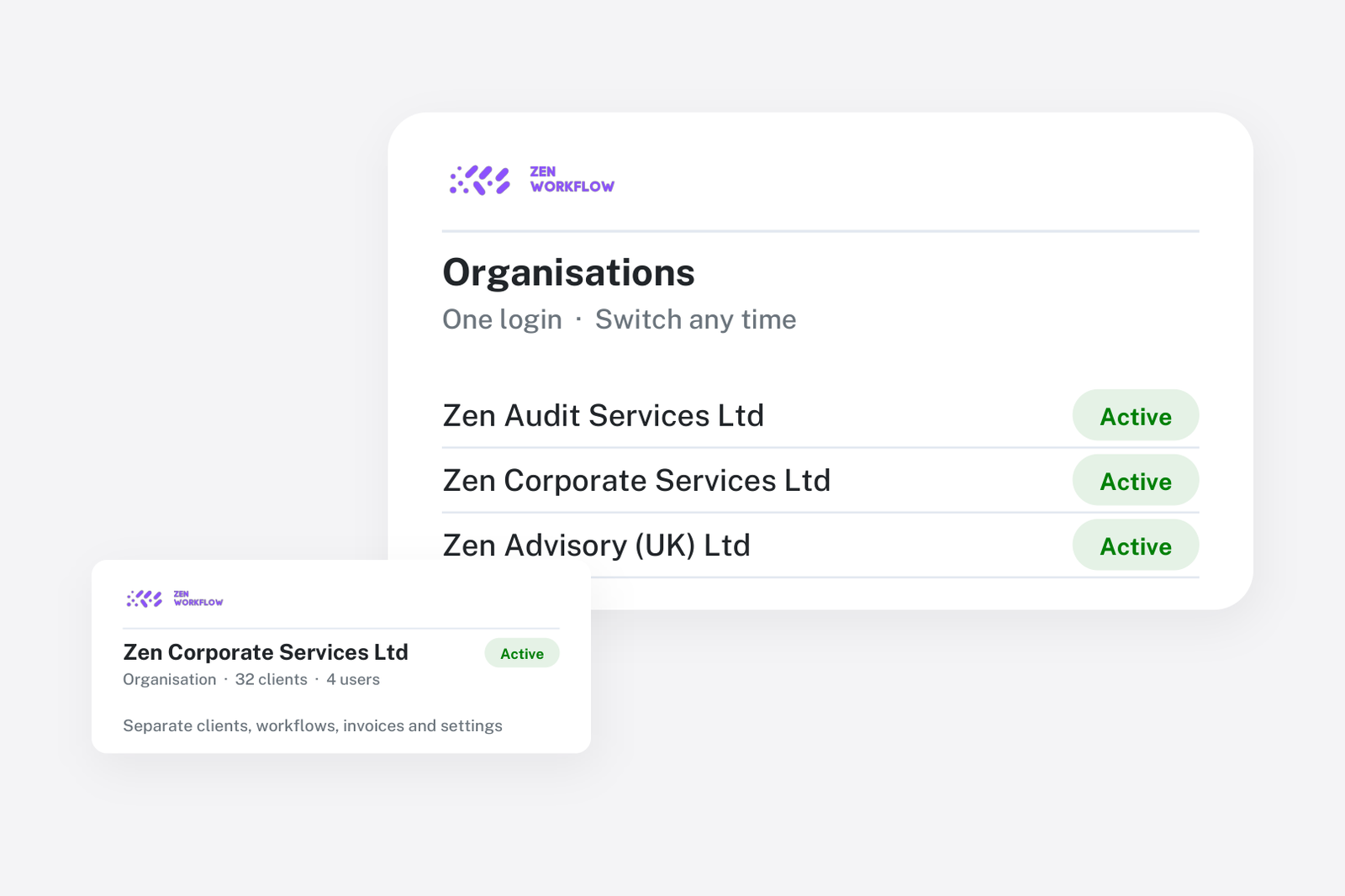
Running a professional services firm often means juggling multiple entities, subsidiaries, or client organisations. ZenWorkflow's multi-tenant architecture makes this effortless, providing complete data isolation while allowing your team to switch between organisations in seconds.
What Is Multi-Tenancy?
Multi-tenancy is an architecture where a single software instance serves multiple independent organisations (tenants). Each tenant's data is completely isolated, meaning users in one organisation can never see or access another organisation's records, even if they belong to both.
In ZenWorkflow, every piece of data — from clients and workflows to invoices and timesheets — is scoped to a specific tenant. This is enforced at the database level, so there is no risk of data leakage between organisations.
Setting Up Your Organisation
Getting started with a new organisation in ZenWorkflow is a streamlined three-step process:
- Step 1 — Name and currency: Choose your organisation name and default currency. ZenWorkflow uses geolocation to pre-select your country and currency, saving you time.
- Step 2 — Business type: Select your industry (Accounting & Audit, Legal & Corporate, or Other). Based on your choice, the system automatically generates default services, workflow templates, calendars, public holidays, and leave types tailored to your field.
- Step 3 — Invite your team: Send email invitations to colleagues with pre-configured access levels so everyone can start collaborating immediately.
Customising Your Organisation
Once your organisation is created, you have full control over its configuration:
- Branding: Upload your logo, set a custom brand colour (HEX), and make ZenWorkflow feel like your own platform.
- Document prefixes: Configure auto-increment prefixes for clients, invoices, estimates, receipts, and credit notes. For example, set your invoice prefix to "INV-2026-" for professional, consistent numbering.
- Organisation details: Add your tax number, VAT number, and business address for use on invoices and official documents.
- Currency lock: Your default currency is flexible until the first invoice is created, after which it is locked to maintain financial consistency.
Switching Between Organisations
If you belong to multiple organisations, ZenWorkflow makes switching seamless. From the tenant management interface, you can:
- View all organisations you belong to
- Switch your active organisation with a single click
- Leave organisations you no longer need access to
All navigation, data, and permissions update instantly when you switch, so you are always working in the correct context.
Data Isolation You Can Trust
ZenWorkflow enforces data isolation at every level. Every database query is automatically filtered by the active tenant, and every model that holds business data extends a base tenant model that includes the tenant reference. This programmatic enforcement means that even if a bug were introduced in the application logic, the database layer would prevent cross-tenant data access.
For professional firms handling sensitive client information — financial records, compliance data, legal documents — this level of isolation is not just a feature, it is a requirement.
Why It Matters
Multi-tenancy in ZenWorkflow means you can run multiple practice entities from a single platform without compromising on security, compliance, or user experience. Whether you manage one organisation or ten, each one gets its own isolated workspace with custom settings, branding, and team configuration.