Reports and Analytics: Data-Driven Decision Making for Your Firm
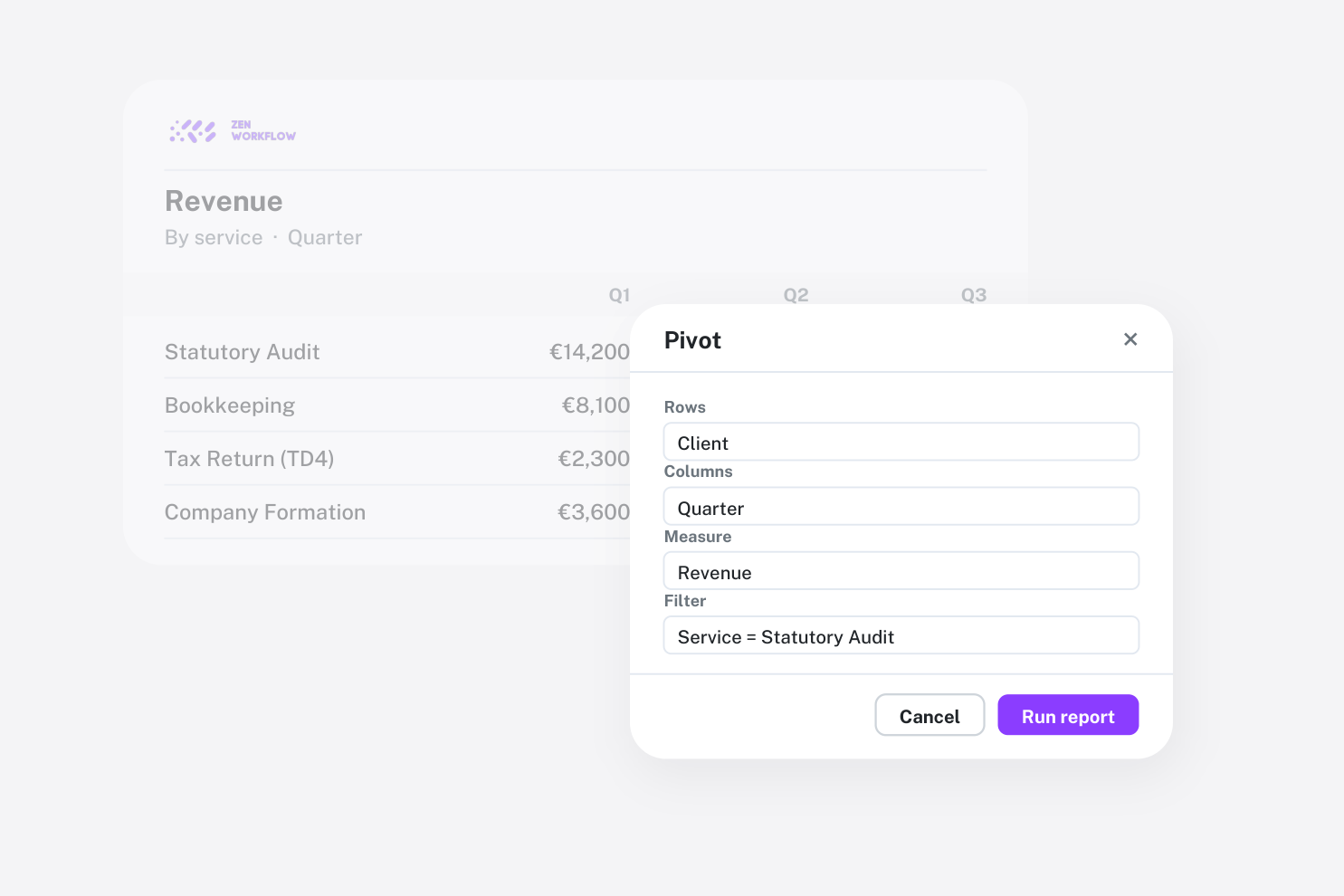
Making informed decisions requires access to the right data at the right time. ZenWorkflow's reporting module provides 29 purpose-built reports that give you actionable insights across every aspect of your practice.
The Report Centre
The Report Centre is your starting point for all analytics. Reports are organised into categories for easy discovery:
- Client Reports: Client summaries, activity tracking, and engagement analysis
- Workflow Reports: Status overviews, completion rates, and team workload distribution
- Financial Reports: Revenue analysis, outstanding balances, ageing reports, and billing summaries
- Timesheet Reports: Utilisation rates, billable versus non-billable time, and team productivity
- Compliance Reports: AML status tracking, upcoming reviews, and compliance coverage
Each report card shows its name, description, and a representative icon, making it easy to find the report you need.
Permission-Gated Access
Not every report should be visible to every team member. ZenWorkflow's reporting module respects the organisation's permission structure:
- Client reports require the
can_view_clientspermission - Financial reports require the
can_view_financial_datapermission - Module-specific reports only appear when the relevant module is enabled (e.g., AML compliance reports only show when the AML module is active)
This means a User-level team member who cannot view financial data will see a different Report Centre than a Manager or Admin, with only the reports relevant to their role.
Date Filtering
Most reports support date range filtering, letting you analyse data for specific periods:
- Select start and end dates using the inline date filter
- Compare performance across different time periods
- Generate month-end, quarter-end, or year-end reports with precise date control
Export Capabilities
Every report can be exported for offline analysis or sharing:
- CSV export: Lightweight format compatible with any spreadsheet application
- XLSX export: Full Excel format with proper column formatting
Exported files include all filtered data, so what you see on screen is exactly what you get in the export.
Multi-Currency Support
For firms operating across multiple currencies, financial reports handle currency conversion automatically. Amounts are displayed in their original transaction currency alongside the equivalent in your organisation's default currency, using the exchange rate recorded at the time of the transaction.
Key Report Highlights
Here are some of the most valuable reports in ZenWorkflow:
Client Summary Report
Provides a complete overview of your client base including total clients, client types, status distribution, and service assignments. Useful for practice management reviews.
Workflow Status Report
Shows the distribution of workflows across statuses with drill-down into specific status groups. Helps identify bottlenecks in your workflow pipeline.
Invoice Ageing Report
Breaks down outstanding invoices by age buckets (current, 30 days, 60 days, 90+ days). Essential for managing cash flow and identifying collection issues.
Utilisation Report
Compares billable hours against available hours for each team member, calculating utilisation rates. Helps managers identify underutilised team members and those at risk of burnout.
AML Compliance Status Report
Shows the compliance coverage across your client base, highlighting clients with upcoming or overdue AML assessments. Required for regulatory reporting.
Why Reports Matter
In a professional services firm, data drives better decisions. Reports help you understand:
- Which clients generate the most revenue (and the most work)
- Where your team's time is going
- Which services are most profitable
- Whether your compliance processes are keeping up with regulatory requirements
- How your cash flow is trending
With ZenWorkflow's reporting module, this information is always one click away, filtered by your permissions and tailored to your organisation's data.