Time Tracking and Timesheets: Capture Every Billable Minute
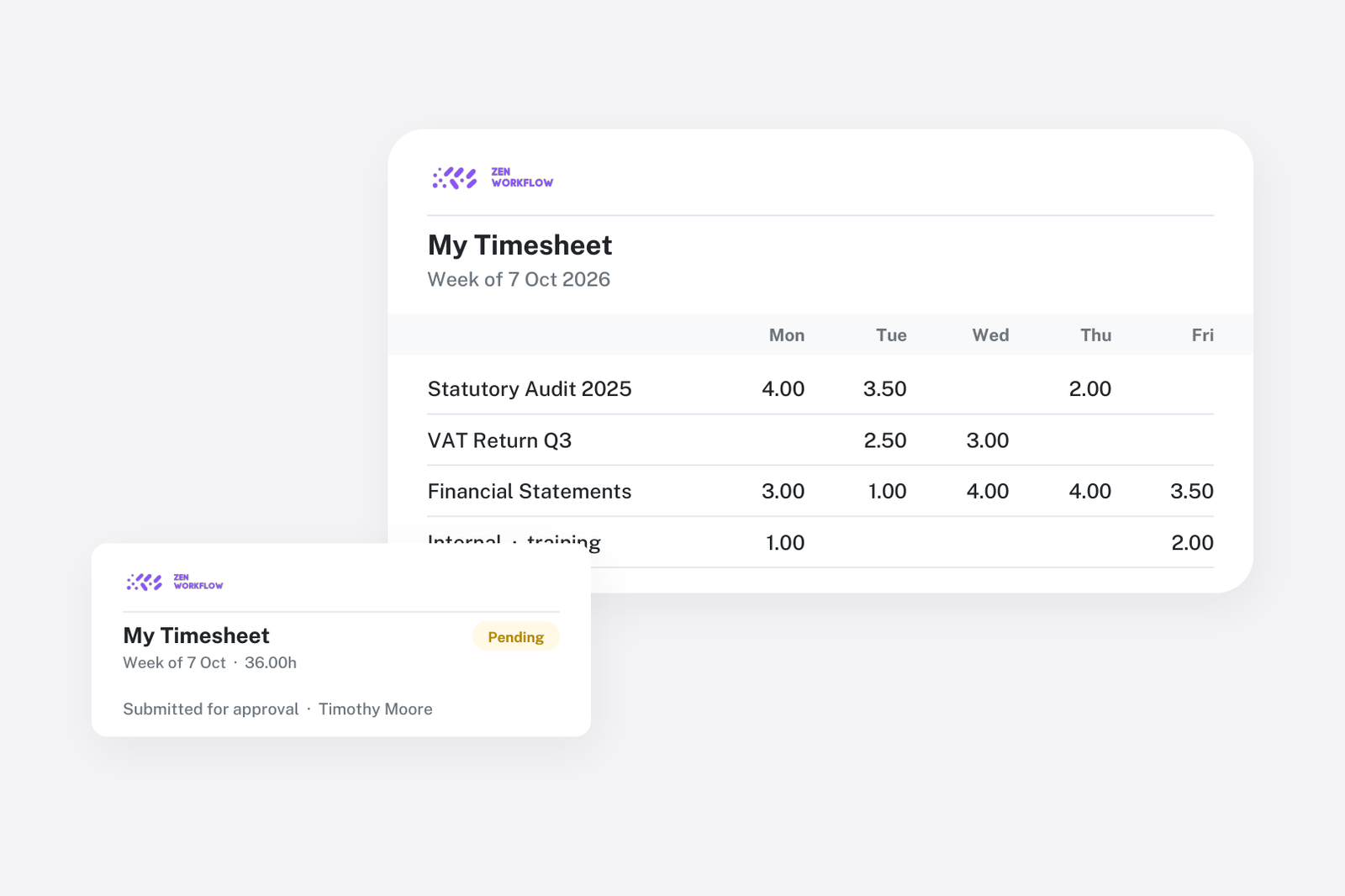
For professional services firms that bill by the hour, accurate time tracking is the difference between profitability and revenue leakage. ZenWorkflow's timesheet system is designed to make time logging fast and frictionless while giving managers the oversight they need.
Daily Time Logging
Team members log time entries daily with the following details:
- Client: Which client the work is for
- Service: The specific service being performed
- Workflow: The workflow the time relates to (optional but recommended for billing)
- Start and end time: When the work began and ended
- Duration: Automatically calculated from start and end times, or entered manually
- Description: A free-text description of the work performed
- Billing rate: Automatically populated from the member's profile rate, with the option to override per entry
The system enforces a 24-hour daily maximum, preventing accidental double-entries that could inflate billing.
Timesheet Views
ZenWorkflow provides three views for different perspectives on time data:
- Daily view: See all entries for a specific day, ideal for end-of-day time logging
- Weekly view: A week-at-a-glance showing daily totals and remaining capacity
- Project view: Entries grouped by client, service, and workflow with project-level totals. This view is invaluable for project managers monitoring budget consumption.
Week Submission and Approval
Time entries go through a structured approval process:
- Log time: Team members record their daily time entries throughout the week
- Submit week: At the end of the week, submit all entries for the week for manager review
- Manager review: Managers see a queue of pending timesheets needing approval
- Approve or adjust: Approve individual entries, approve entire weeks at once, or modify entries before approval
- Status tracking: Real-time status showing total hours, submission status, and remaining capacity for each team member
This workflow ensures that all billed time is reviewed and approved before invoicing.
Work Schedules
ZenWorkflow understands that not everyone works the same hours:
- Organisation defaults: Define standard working hours per day of the week (e.g., Monday to Friday, 09:00 to 17:00)
- Split schedules: Support for multiple time blocks per day, such as 09:00-13:00 and 14:00-17:00, accounting for lunch breaks
- Member overrides: Individual team members can have different work schedules. Part-time workers, flexible schedules, and shift patterns are all supported.
- Working hours snapshot: When a timesheet is created, it captures the expected working hours so that changes to schedules do not retroactively affect historical records
Working Hours Enforcement
For firms that need strict time tracking controls, ZenWorkflow can optionally restrict timesheet entries to working hours only. This prevents team members from logging time outside their scheduled hours without manager approval.
Integration with Billing
Timesheet entries integrate directly with the invoicing system:
- Entries logged against a workflow can be pulled into invoices automatically
- Mark entries as billed or unbilled to prevent double-billing
- View billable versus non-billable time breakdowns
- Calculate billing rates per entry for accurate invoicing
- Lock timesheets after invoicing to prevent retroactive changes
This tight integration means that time logged today can appear on an invoice tomorrow, with complete traceability from timesheet entry to invoice line item.