User Profile and Account Settings: Personalising Your ZenWorkflow Experience
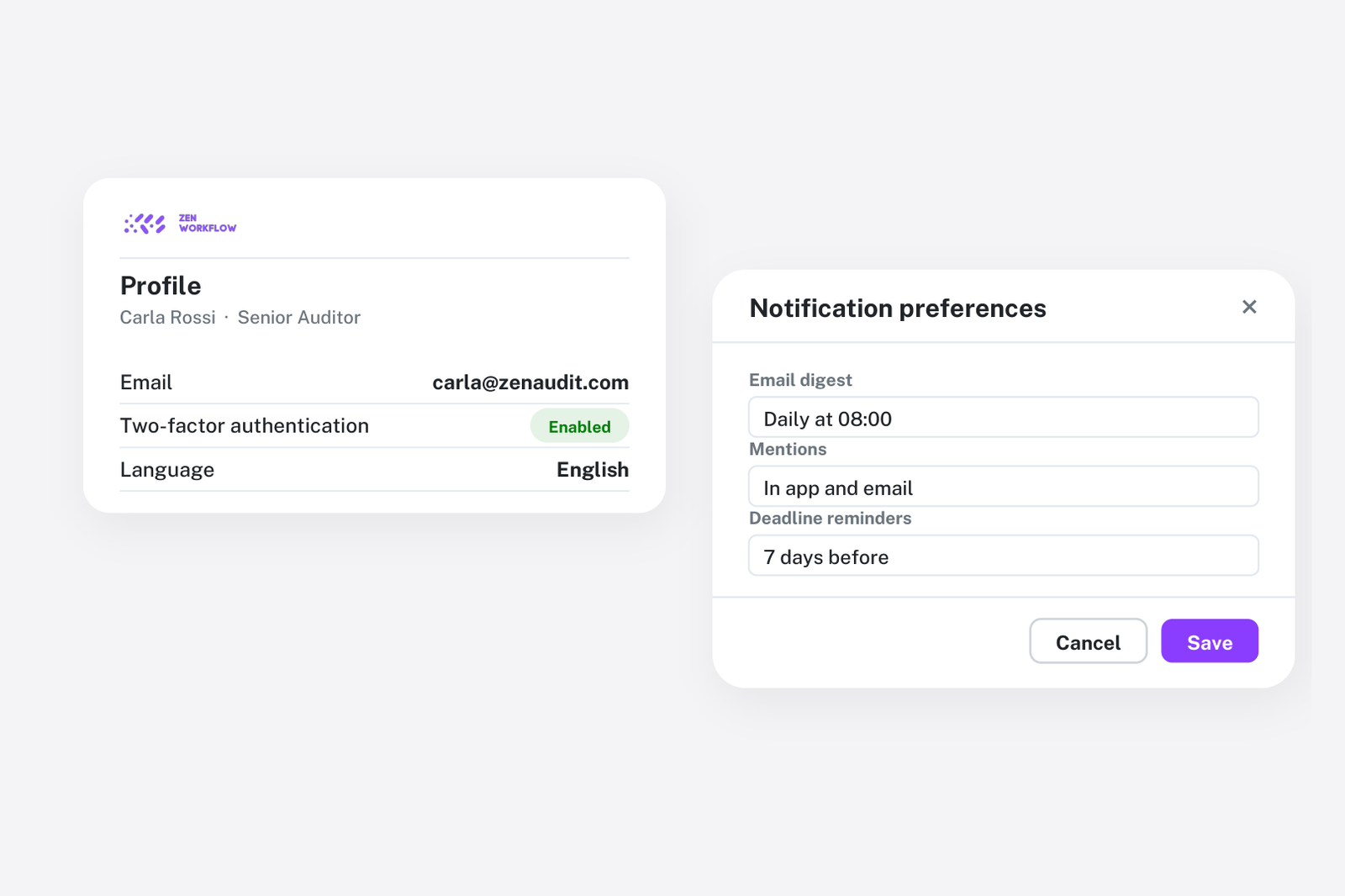
Every team member in ZenWorkflow has a personal profile with settings that control how the platform looks and behaves for them. From display preferences to API access, your profile is the centre of your personalised experience.
Profile Settings
Display Name and Avatar
Your display name appears throughout ZenWorkflow — in comments, assignments, team views, and anywhere your identity is shown. You can customise it at any time from your profile settings.
Upload a profile photo and use the built-in crop tool to ensure it looks great at every size. Your avatar appears in navigation, comments, and team member lists.
Timezone
ZenWorkflow operates across multiple time zones. Select your local timezone so that all dates and times throughout the platform display correctly for you. This is particularly important for teams spread across different regions, ensuring everyone sees deadlines and timestamps in their own local time.
Language
Choose your preferred interface language. ZenWorkflow supports multiple languages, and the entire interface — menus, labels, messages, and system text — adapts to your selection.
Date Format
Different regions use different date conventions. Select your preferred date display format so that dates throughout ZenWorkflow appear in the format you are accustomed to reading.
Email Verification
ZenWorkflow uses django-allauth for authentication, which includes email verification. Your account page shows your email verification status, and you can manage your verified email addresses from your account settings.
API Keys
For developers and power users, ZenWorkflow supports API key authentication for programmatic access:
Creating API Keys
Generate API keys from your profile to enable integrations with external tools, scripts, or automation platforms. Each key is shown once at creation — store it securely, as it cannot be retrieved later.
Managing Keys
- View active keys: See all your active API keys with their creation dates
- Revoke keys: Instantly deactivate any key that is no longer needed or may have been compromised
API keys authenticate as your user account, so they inherit your permissions. Use them responsibly and revoke keys promptly when they are no longer needed.
Account Security
Your account security is managed through the authentication system:
- Password management: Change your password from your account settings
- Email verification: Ensure your email is verified for account recovery
- Session management: Your active sessions are managed automatically with secure session handling