Integrations
Connect ZenWorkflow to the tools you already use
Keep client files in Google Drive, sync clients to your SendPulse mailing lists and ask Claude or ChatGPT about your practice—all from the same client and workflow data.
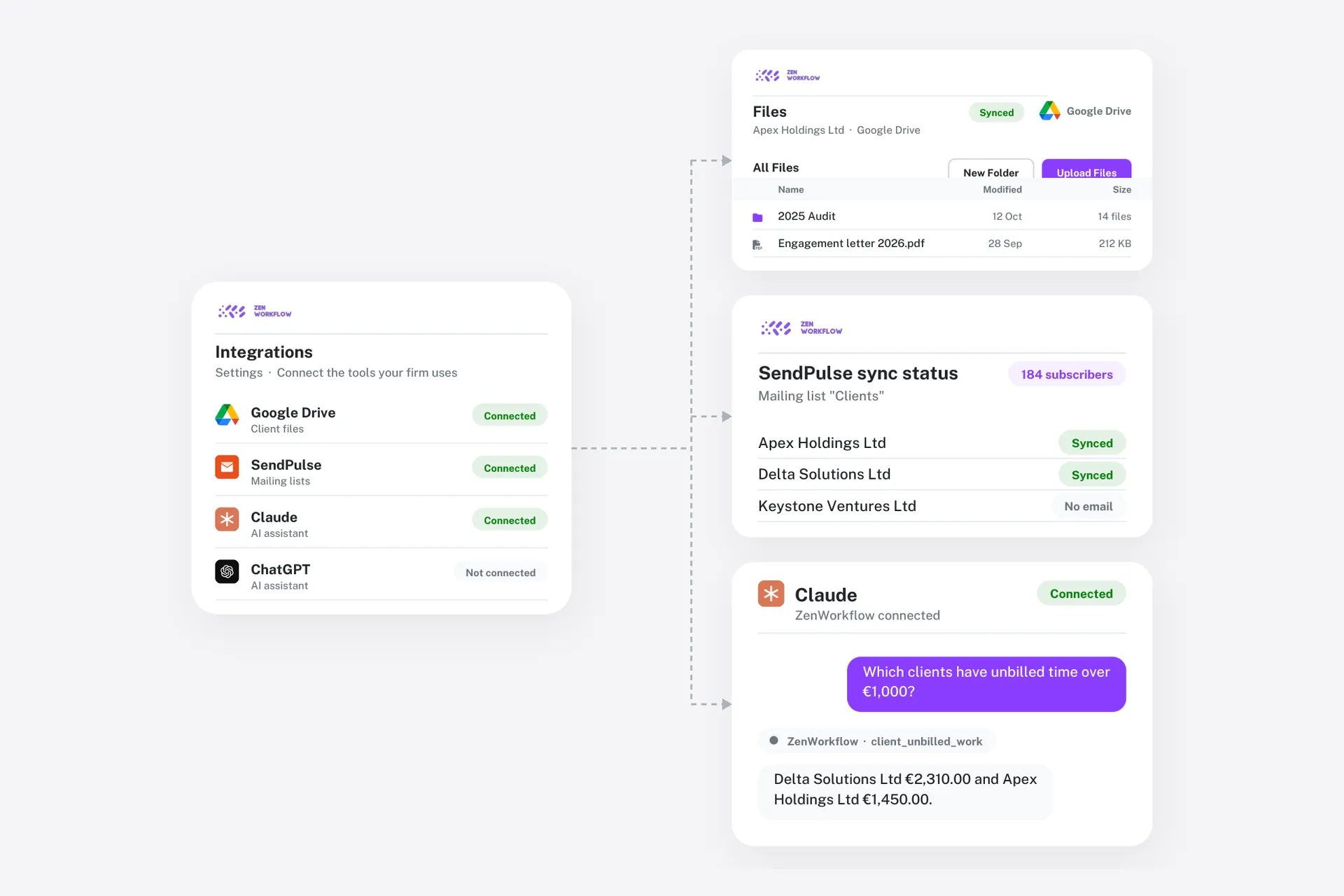
Available integrations


How it works
Connected in minutes
Integrations are switched on per organisation by an admin.
1
Open Settings
An admin opens Settings → Integrations and picks the tool to connect.
2
Authorise
Sign in to the other service and approve access—no files to install.
3
Work as usual
ZenWorkflow keeps the connection running in the background.
Coming soon

QuickBooks Online
Coming soon: send clients, invoices and payments to QuickBooks.

Xero
Coming soon: send clients, invoices and payments to Xero.

HubSpot
Coming soon: keep clients in step with HubSpot contacts and companies.
Bring your tools together
See how ZenWorkflow fits alongside the software your firm already runs on.