Standardise Recurring Engagements With Workflow Templates
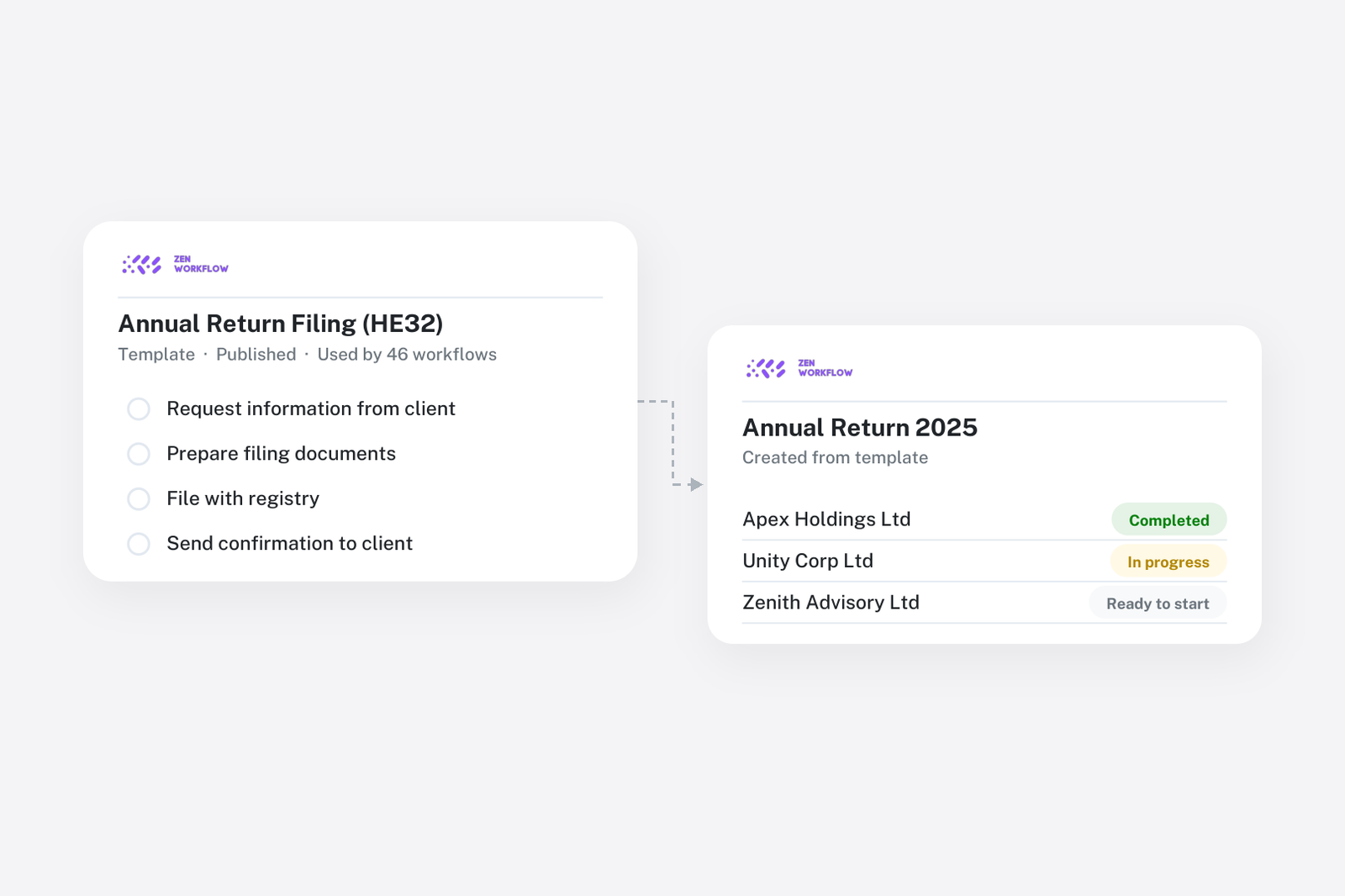
Two people in the same firm prepare the same VAT return differently. One has a checklist in a notebook, the other has it in their head. The result is usually fine, until the person with the notebook is on leave and a step gets skipped, or until the firm grows and the partner can no longer review every file personally. Quality that depends on who is free is not quality the firm controls.
The answer is the one every well-run firm reaches eventually: define each recurring service once, as a template, and create every job from it.
What a template holds
A workflow template in ZenWorkflow carries everything a job needs to start:
- Items: the steps the service requires, in order, grouped into sections for longer engagements.
- Owners: who is responsible for each item, so review steps go to reviewers and preparation steps to preparers.
- Fee and budget: a fixed fee, budgeted hours or both, inherited by every job created from the template.
- Due-date rule: how the job's deadline is set relative to the period it covers.
- Approval items: steps that must be signed off before the job can be completed.
Items can also carry fields and file uploads, so the answer to "did we get the bank statements?" is captured on the item rather than in an email.
Build the template once
Start from one of the ready-made templates in the library, from a job you have already run, or by describing the service and letting AI draft the items. Then refine it with the team that does the work. The best templates are written by the people with the notebook, and the firm's standard becomes their best version rather than the average.
Create every cycle in bulk
Assign the service to the clients who receive it, with their cycle. When the period comes round, create the workflows for all of them in one go. Each client's job arrives with its items, owner, fee and due date already set. For a firm with forty bookkeeping clients, this turns an afternoon of setup into a few minutes, and it is the mechanism behind running month-end for every client at once.
Run every job the same way
Owners tick items off, reviewers approve where the template asks for it, and the status and progress bar show how far each client's job has got. Comments stay on the job rather than in email, so the file is the record. Because every job started from the same template, every file for that service has the same shape, which is what makes review fast and handover between team members painless.
Improve the template, not forty jobs
When the process changes, edit the template and the next cycle follows it. If a step is being skipped on most jobs, it is probably in the wrong place in the template. If a fixed fee is consistently exceeded, the budget or the fee on the template is wrong. Templates turn process improvement from a training exercise into an edit.
A client who genuinely needs an extra step gets it added to their workflow, leaving the template unchanged for everyone else.
Which services to templatise first
Most firms start with the three services that generate the most jobs, which usually means bookkeeping or VAT, payroll and annual accounts or tax returns. These have the highest volume, the most repetition and the most to gain from consistency. Advisory work comes last, if at all; it is often better run as a template with a few broad items and room for the specifics.
The public template gallery shows what common services look like as templates.
Frequently asked
Can a template carry a fee and a budget? Yes. Templates hold a fixed fee, budgeted hours or both, and every workflow created from them inherits the values.
How do I create this period's jobs for every client? Assign the service to the clients and bulk-create the period's workflows from the template. Each client gets its own job with the due date set.
What if one client needs an extra step? Add items to that client's workflow. The template stays unchanged for everyone else.
Can reviewers be required before completion? Yes. Approval items stop a job being completed until the reviewer signs off.
Is there a library of ready-made templates? Yes. Start from the library, adapt a template to your firm, or describe a service and let AI draft the items.
Where to start
Pick the service with the most jobs, write its template with the people who do the work, and create next period's cycle from it. Book a demo and we will build the first template with you, or start a free trial.