Keep Every Client Document in One Secure Place
Ask where a client's signed engagement letter is and you will get a different answer from each person: in the email thread, on the shared drive under last year's folder, on the partner's laptop. The documents exist. Finding them is the work. In a firm with a compliance obligation, "we have it somewhere" is also not an answer a regulator accepts.
Centralising documents does not have to mean moving everything into a new system. It means every document is reachable from the client it belongs to.
Files against the client record
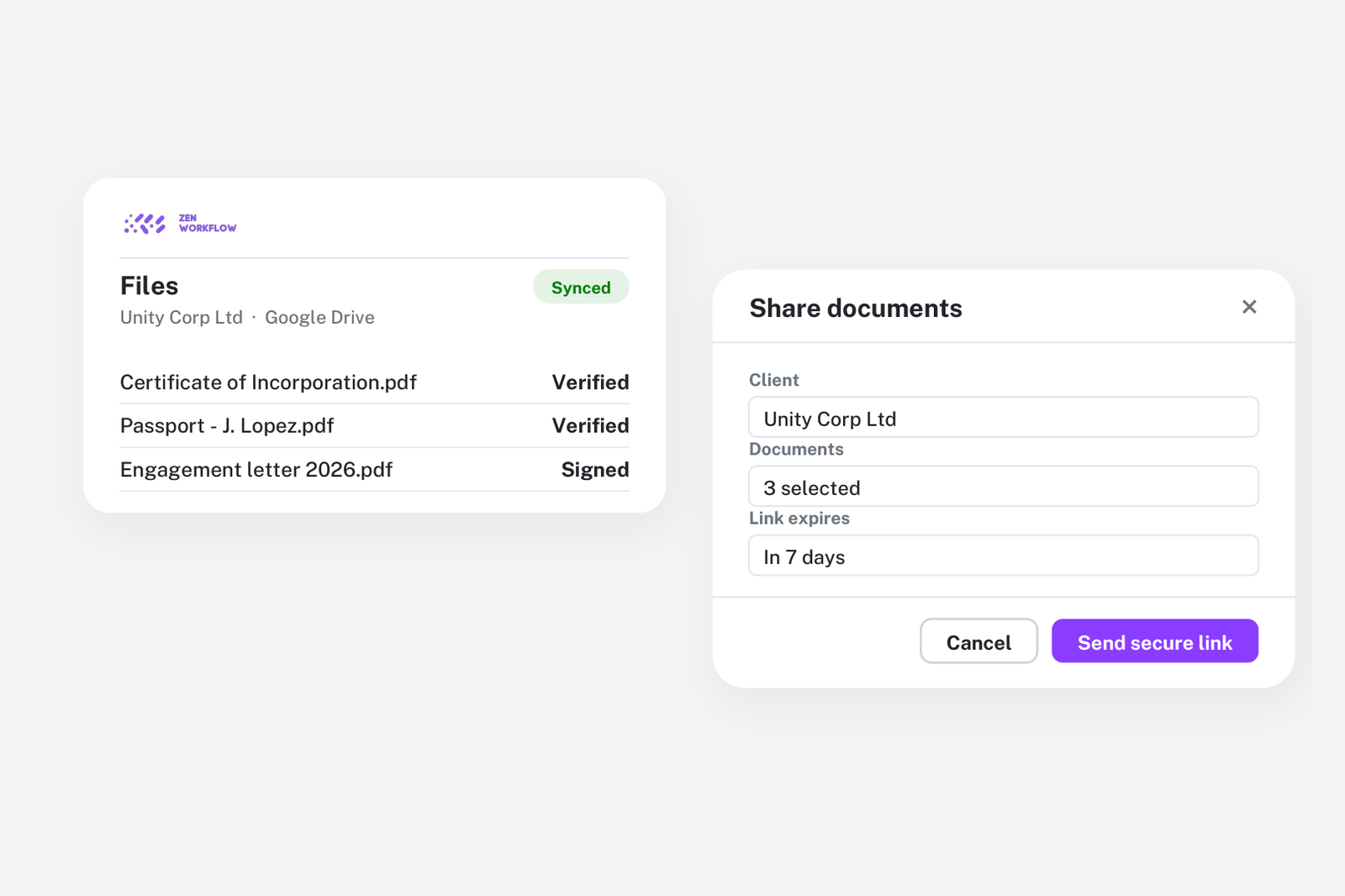
Every client record in ZenWorkflow has its files. Engagement letters, incorporation documents, signed resolutions and correspondence are uploaded against the client and are visible to anyone on the team with access to that client. Folders keep long-lived clients organised, and the record is the same one that holds the client's people, services and work, so a document is never more than a click from the context it belongs to.
KYC documents with expiry dates
Compliance documents are a special case because their status changes over time. Identity and address documents are recorded against each person on the client with an expiry date, and document types can carry a reassessment period. Expired and missing documents appear in the compliance views and reports rather than being discovered during a review. The AML/KYC compliance page covers how this fits with screening and risk assessment, and staying on top of AML reviews describes the review cycle.
Working files on the job
Documents produced while doing the work, such as trial balances, working papers and draft statements, belong on the workflow. Items can carry file uploads, so the file is attached to the step that produced it, and the completed workflow is a complete file for that engagement. When the same job runs next year from the same template, last year's file is one click away on last year's workflow.
Keep Google Drive, connect it per client
Many firms already keep documents in Google Drive and do not want two copies. ZenWorkflow connects a Drive folder to each client, so the client page shows a live view of that folder. Nothing is copied; the files stay in Drive, with Drive's permissions, and the team reaches them from the client record. Firms that are not connected use the built-in client files instead.
Share securely without attachments
Sending documents as email attachments loses control of them. Instead, share a client profile or a document request by secure magic link. The client sees exactly what you shared, uploads what you asked for, and the files arrive on their record. Nobody registers for a portal, and nothing sits in an inbox.
Access control
Who sees which client is controlled by access permissions, not by folder structure. A team member restricted to their assigned clients sees those clients' files and no others. This is the part shared drives get wrong: permissions set per folder drift, while permissions set per client follow the client.
A simple filing convention
Firms that make this work tend to agree three rules:
- If it belongs to the client, it goes on the client. Letters, statutory documents, correspondence.
- If it belongs to the job, it goes on the workflow item that produced it. Working papers, drafts, evidence.
- If it is a compliance document, it is recorded with its expiry. Never just uploaded.
Frequently asked
Do we have to move our files out of Google Drive? No. Connect a Drive folder per client and the files stay in Drive, visible from the client record.
Can clients send us documents securely? Yes. A magic link opens a secure page for the upload, and the files land on the client record.
Are documents included in the audit trail? Uploads, changes and deletions are recorded with who made them and when, alongside every other change on the record.
Can I restrict which team members see a client's files? Yes. Access to a client's files follows access to the client.
Where to start
Connect Drive for one client, or upload the current engagement letters for your top twenty clients, and record expiry dates on their KYC documents. The compliance view will tell you immediately what is already out of date. Book a demo or start a free trial.